Order confirmations
A receipt with items, quantities and totals is emailed to the buyer as soon as the order is placed, once per order.
Confirmations, appointment notices, estimates, signature requests and account emails go out automatically from a free mail account included with your workspace. Each one is logged on the customer's CRM timeline.
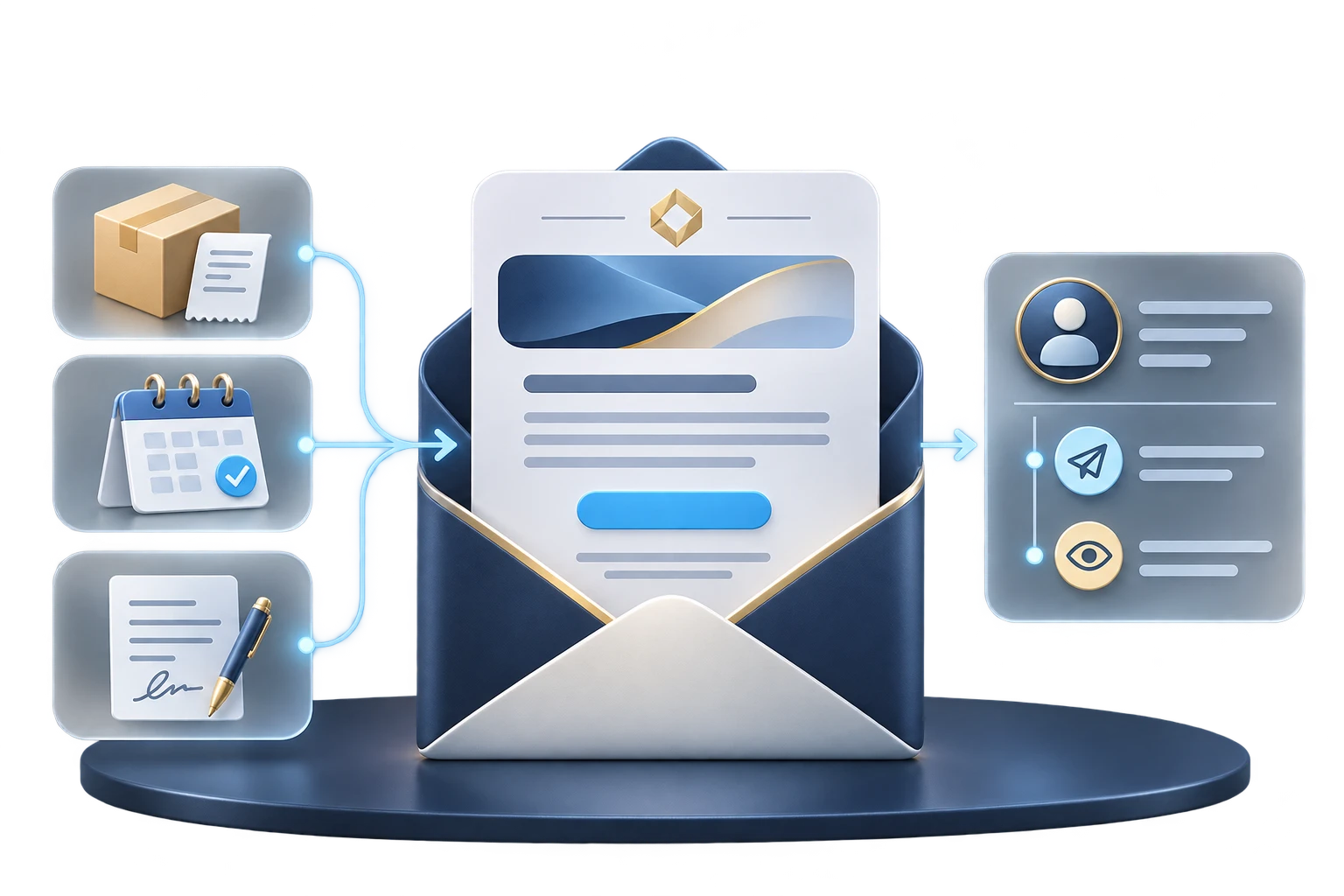
Transactional email is the set of messages your system sends because something just happened: an order was placed, an appointment was confirmed, an estimate is ready, a document needs a signature, a teammate was invited. Customers get a clear, branded message at the right moment, and nobody on your team has to write or send it.
Every workspace comes with a free mail account set up for this purpose, so there is nothing to buy or configure before the first email goes out. Messages are sent through that account with your logo and business name, and each one is recorded in the CRM timeline of the customer who received it, with its delivery status and whether it was opened.
It is separate from marketing email on purpose. Transactional messages come from your app mail account; newsletters can use their own sender, so a campaign never affects your order and appointment emails.
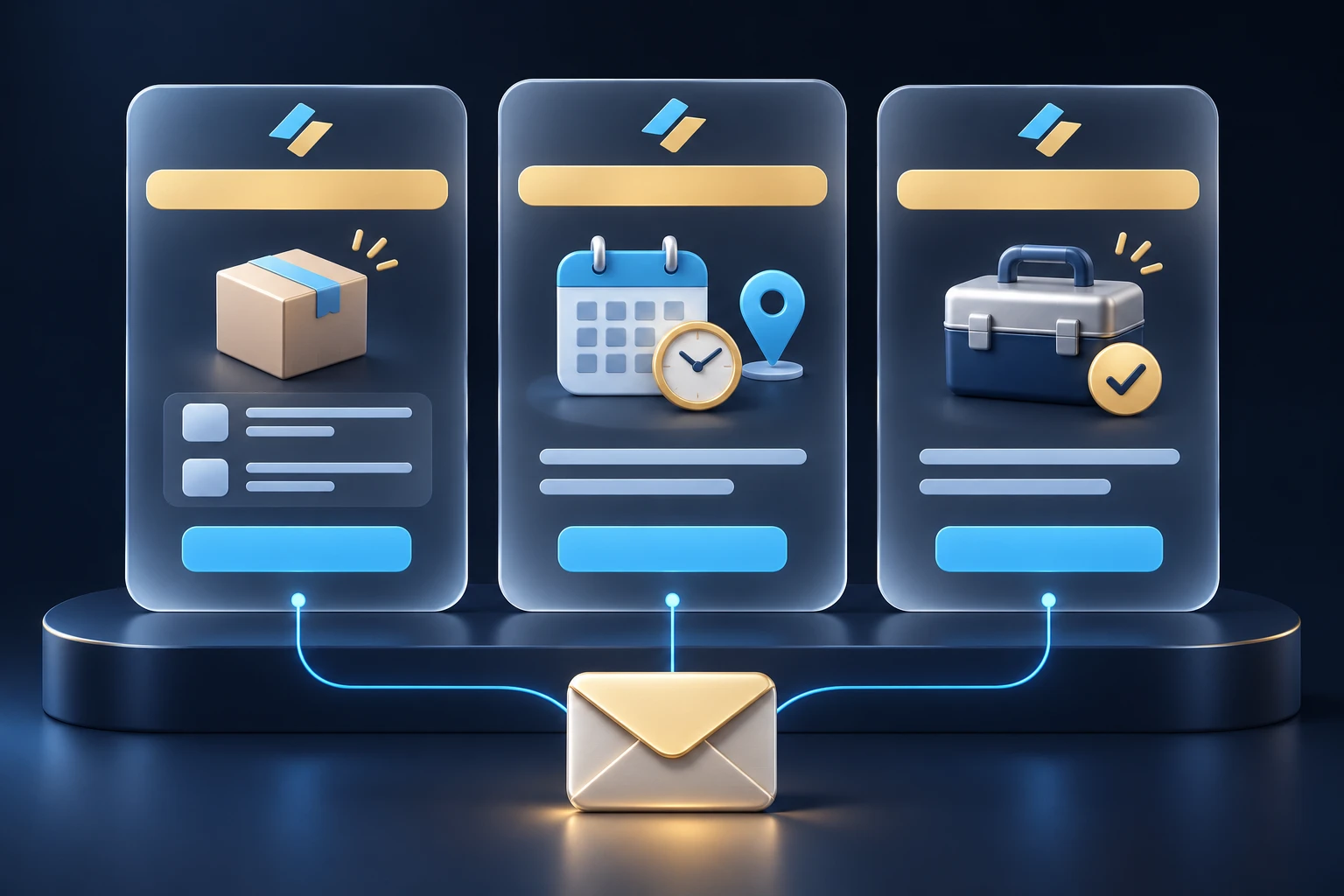
A receipt with items, quantities and totals is emailed to the buyer as soon as the order is placed, once per order.
When your team confirms a booking, the customer receives the date, time, duration, address and a button to view or manage it.
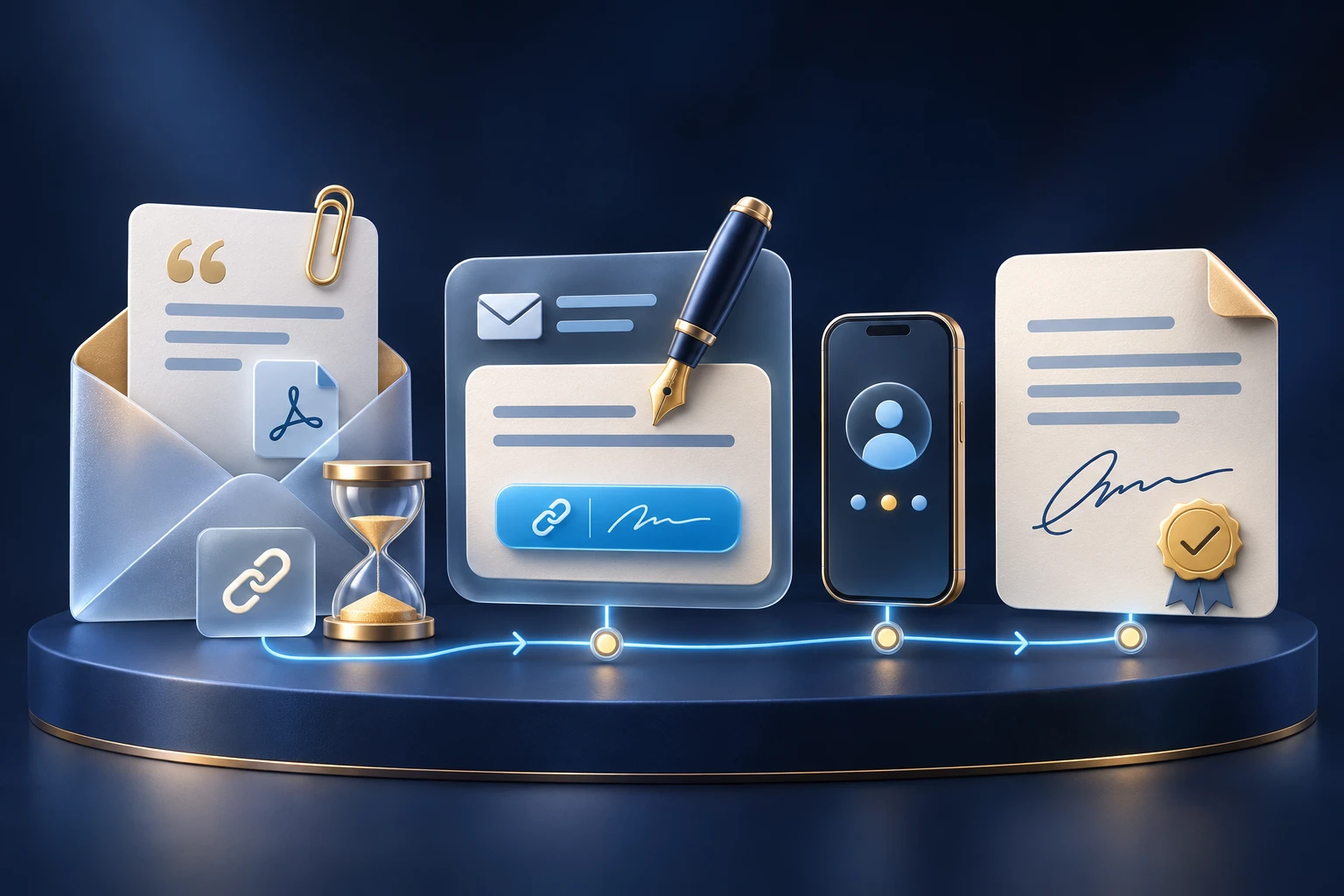
Send the quote with a secure PDF download link that expires after 3 days.
Agreements, waivers, estimates and pickup forms go out with a signing link, a one-time code to confirm identity, and a signed copy afterwards.
Confirm email address at sign-up, confirm a changed email address, and verify requests with a one-time code.
Invite staff by email and send secure password-reset links that expire on their own.
Tell customers when their job is ready, send invoices with a pay-online button, and send payment-failed and payment-received notices for subscriptions.
New appointments, estimate requests and contacts can also be emailed to an address you choose.
Your logo, business name, button label and colors on every message, with templates you can edit in the panel.
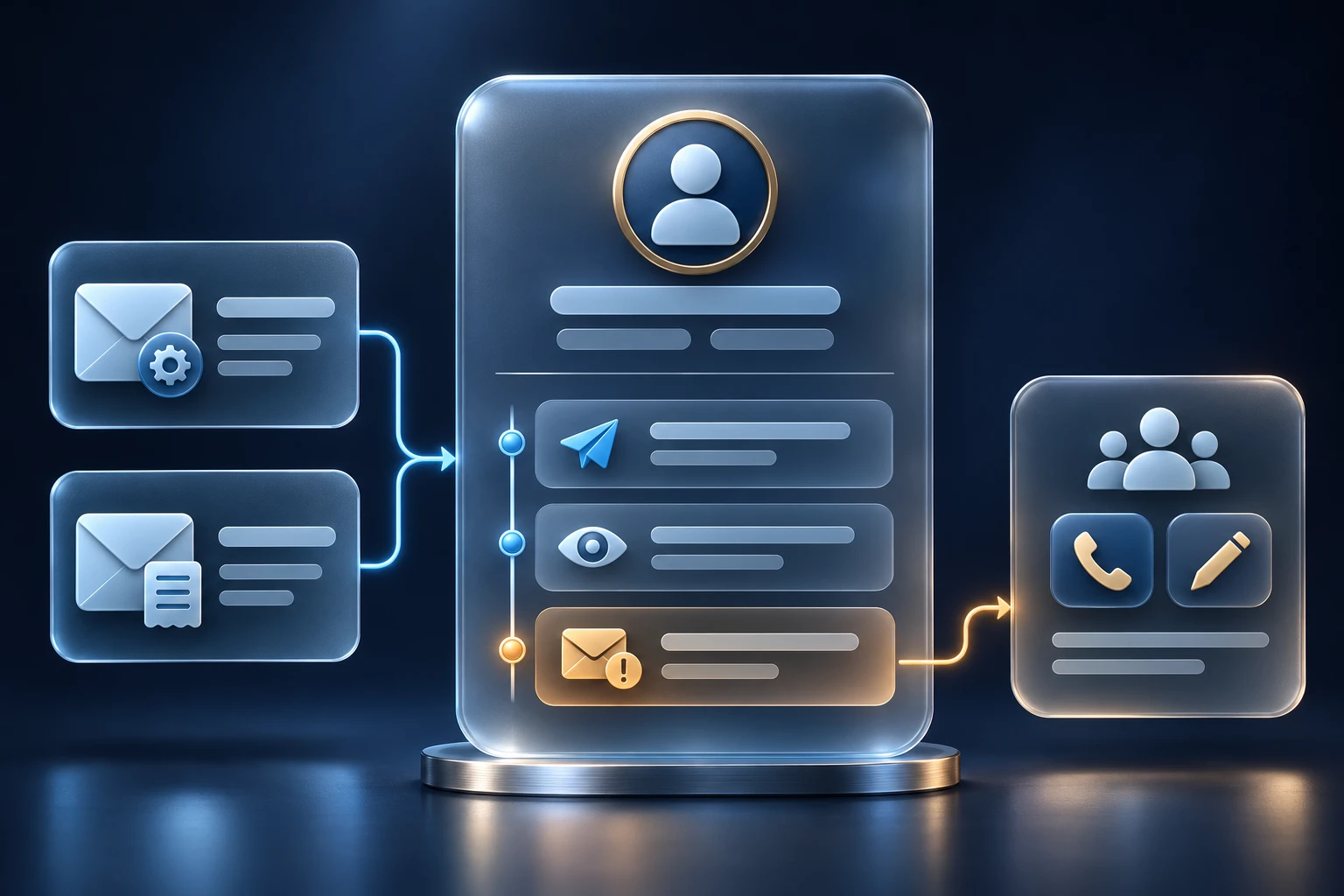
Each email appears on the contact's timeline as sent, opened or not delivered, so anyone on the team can see what the customer was told.
A mail account for system email is included with your workspace. No extra service to sign up for or pay.
Know what each customer was sent, when, and whether it was opened, without searching an inbox.
Customers who get a clear confirmation know what happens next and are less likely to call to ask.
Signature requests arrive by email and are completed on any device, with the signed copy sent back automatically.
If an email cannot be delivered, it is marked Not delivered on the timeline so your team can follow up another way.
Emails are triggered by what happens in the app, so confirmations are never forgotten and never sent twice.
System email works from day one with the mailbox that comes with your workspace.
Confirmations are sent the moment an order, booking or request changes.
Every automatic email is logged on the contact, with delivery and open status.
Results depend on your business and how you use the app. Timeline entries are created for recipients who are contacts of your workspace; staff notices and backup copies are not shown on a customer's timeline.
Every Capitas Cloud add-on is built to work with the others, so each one you add makes everything you already have work better.
Wherever a customer is involved, their details, leads and conversations land on the same contact records, so your CRM always has the full story.
Where money is involved, invoices and payments flow into invoicing and double-entry accounting, so your books stay in step with the work.
Add-ons share the same customers, catalog and data. Combine them, and each one makes the others more useful.
Everything lives in one Team Panel, and the same panel and its notifications go with you in the mobile app.
Transactional email is used across the suite. These apps send through it or show what it sent.
Book a presentation and we will show you an order, an appointment and a signature request going out and landing on the customer's timeline, using your own business.
Live sites running on Capitas Cloud tools. Scroll inside a card to explore it, or use Open site to view it in a new tab.
 Baseline Motion Tennis
Open site (opens Baseline Motion Tennis in a new tab)
 Signal Vista Digital
Open site (opens Signal Vista Digital in a new tab)
 Cue Vista Productions
Open site (opens Cue Vista Productions in a new tab)
Tell us about your business and we will design a dynamic website with your Capitas Cloud tools, free until you are completely satisfied. You will see it running in our studio domain before you approve it and move it to your domain.
We are working on your free dynamic website design. We will send you an email when it is ready, so you can see it running before you approve it.