Contacts and companies
Profiles for people and companies, with several emails and phone numbers, and people linked to the companies they work for, each with their own job title.
Every Capitas Cloud account includes a CRM: contacts and companies, a sales pipeline, tasks and a timeline of every call, email, text and visit. Leads from your website, bookings, quote requests and chat arrive on their own, with their source recorded.
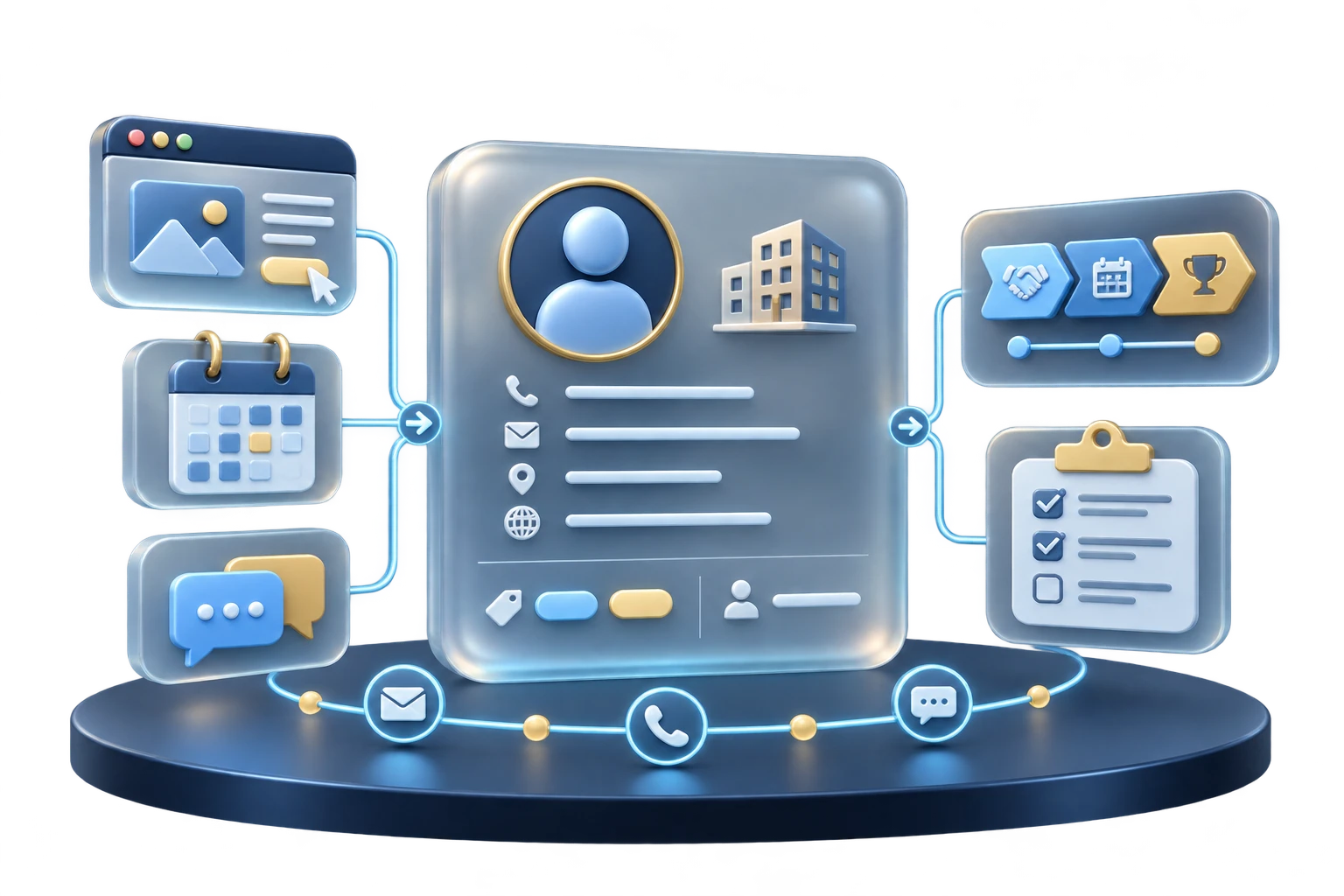
The CRM is a core app, included in every Capitas Cloud account. It keeps what you know about each person and company in one record: contact details, lifecycle stage, rating, owner, tags and a timeline of everything that has happened.
It fills itself. People who sign up on your website, request an estimate, book an appointment, start a live chat or talk to the AI Concierge become contacts automatically, with the source recorded, so you can see which channels bring in leads. You can also add contacts by hand and import them from a CSV file.
Email and texts happen inside the CRM. Each team member connects their own mailbox, then writes, replies to and schedules emails from the contact's record, with attachments, open tracking and your branded email templates. With the SMS add-on, texts are sent and received from a workspace number. Every message lands on the timeline, next to the notes and calls your team logs.
With the E-Signatures add-on, you send a form for signature from a contact or a deal. The customer gets a private link, confirms it is them with a one-time code emailed to them, and signs on their own device. Sent, opened, signed and sealed each appear on the timeline, and the signed PDF opens from there.
Your other add-ons write to the same timeline. With Service Shop, every repair order a customer has, with its status changes, approvals and payments, appears on their record. Deals move through a pipeline you can customize, and tasks with due dates make sure the next step is never forgotten.
A dashboard shows new contacts, open deals, pipeline value, what you won this month, the tasks due today or overdue, and the leads that have gone quiet for two weeks.

Profiles for people and companies, with several emails and phone numbers, and people linked to the companies they work for, each with their own job title.
Notes, calls, emails, texts and meetings in order, with attachments, plus automatic entries when a stage changes or a task is completed.
Connect your own mailbox from Gmail, Google Workspace, Microsoft or any provider. Write, reply to and schedule emails from the contact, with attachments and open tracking, and pull a contact's earlier emails into the timeline.
With the SMS add-on, send and receive texts from a workspace number. Conversations stay on the contact, replies of STOP and START are honored, and consent is recorded.
Send from custom email templates designed for your website, chosen from a list when you write an email, so every message looks like your brand.
Track deals through stages you can rename and recolor, each with its own win probability, and see the pipeline value and a weighted forecast.
Create to-dos, calls, emails, meetings and follow-ups with a priority, a due date and an assignee, and see what is due today or overdue.
Website sign-ups, estimate requests, appointments, live chats and AI Concierge conversations create contacts with the source recorded. Add your own, such as phone, referral or walk-in.
With the E-Signatures add-on, send one of your own forms from a contact or a deal. The customer signs on their phone, and every step, with the signed PDF, is on the timeline. Only people you allow can send.
Each repair order is written to the customer's timeline as it moves: opened, status changes, approvals and payments. The first payment turns a lead into a customer.
Mark contacts as lead, qualified, opportunity, customer, inactive or lost, rate them cold, warm or hot, tag and assign them, and act on up to 500 at once. Import and export CSV, and archive instead of deleting.

One record with the whole history in order, so no one has to ask again.
Owners, due dates and the list of quiet leads keep follow-ups on time.
Your website, bookings, quote requests and chat feed the CRM without retyping.
Open deals, pipeline value and a weighted forecast on one dashboard.
Every contact carries its source, from your website to walk-ins.
With E-Signatures, forms are sent and signed from the contact, and the signed copy stays with the customer.
Write, reply and text without leaving the contact, and every message is kept on the timeline.
Import contacts when you start and export them any time.
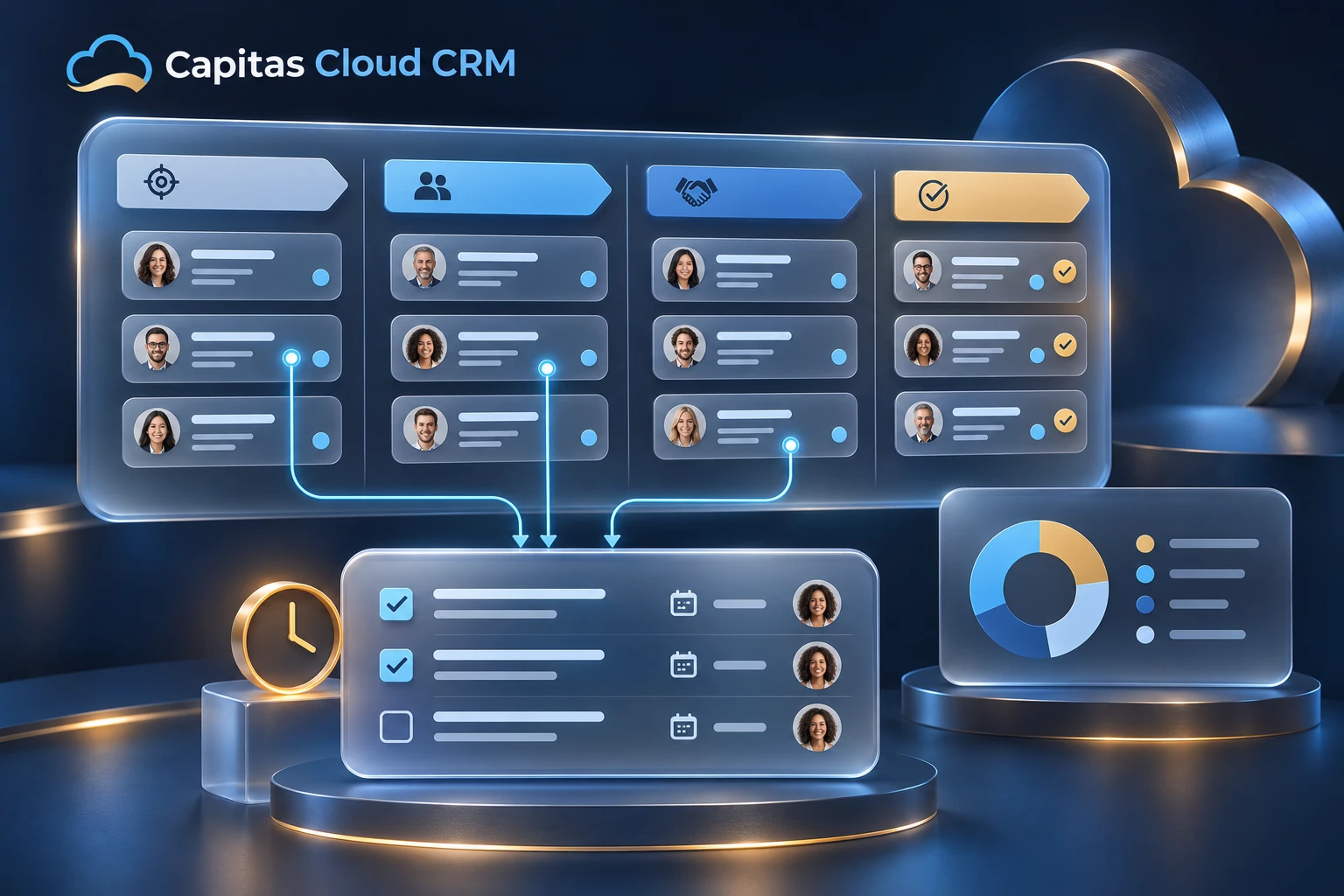
Details, deals, tasks and the whole conversation history in one place.
Open leads with no activity for two weeks are flagged, so none go quiet unnoticed.
See where leads come from, from your website to the front door.
Results depend on your business and how you use the CRM. These describe what it is designed to do, not a guarantee.
Every Capitas Cloud add-on is built to work with the others, so each one you add makes everything you already have work better.
Wherever a customer is involved, their details, leads and conversations land on the same contact records, so your CRM always has the full story.
Where money is involved, invoices and payments flow into invoicing and double-entry accounting, so your books stay in step with the work.
Add-ons share the same customers, catalog and data. Combine them, and each one makes the others more useful.
Everything lives in one Team Panel, and the same panel and its notifications go with you in the mobile app.
Every Capitas Cloud app and add-on shares the same customers, catalog and data. Combine the CRM with these to save more time and turn more visitors into revenue.
Book a presentation and we will show you the CRM working with your own business, or ask for your free dynamic website design with lead capture built in.
Live sites running on Capitas Cloud tools. Scroll inside a card to explore it, or use Open site to view it in a new tab.
 Baseline Motion Tennis
Open site (opens Baseline Motion Tennis in a new tab)
 Signal Vista Digital
Open site (opens Signal Vista Digital in a new tab)
 Cue Vista Productions
Open site (opens Cue Vista Productions in a new tab)
Tell us about your business and we will design a dynamic website with your Capitas Cloud tools, free until you are completely satisfied. You will see it running in our studio domain before you approve it and move it to your domain.
We are working on your free dynamic website design. We will send you an email when it is ready, so you can see it running before you approve it.