Real availability
Set opening hours for each day of the week, the slot length, the lead time and how far ahead customers can book. They see only open times.
You set your hours, slot lengths and locations. Customers pick a time that is really open, add photos and a note about what they need, and your team confirms. No back-and-forth emails.
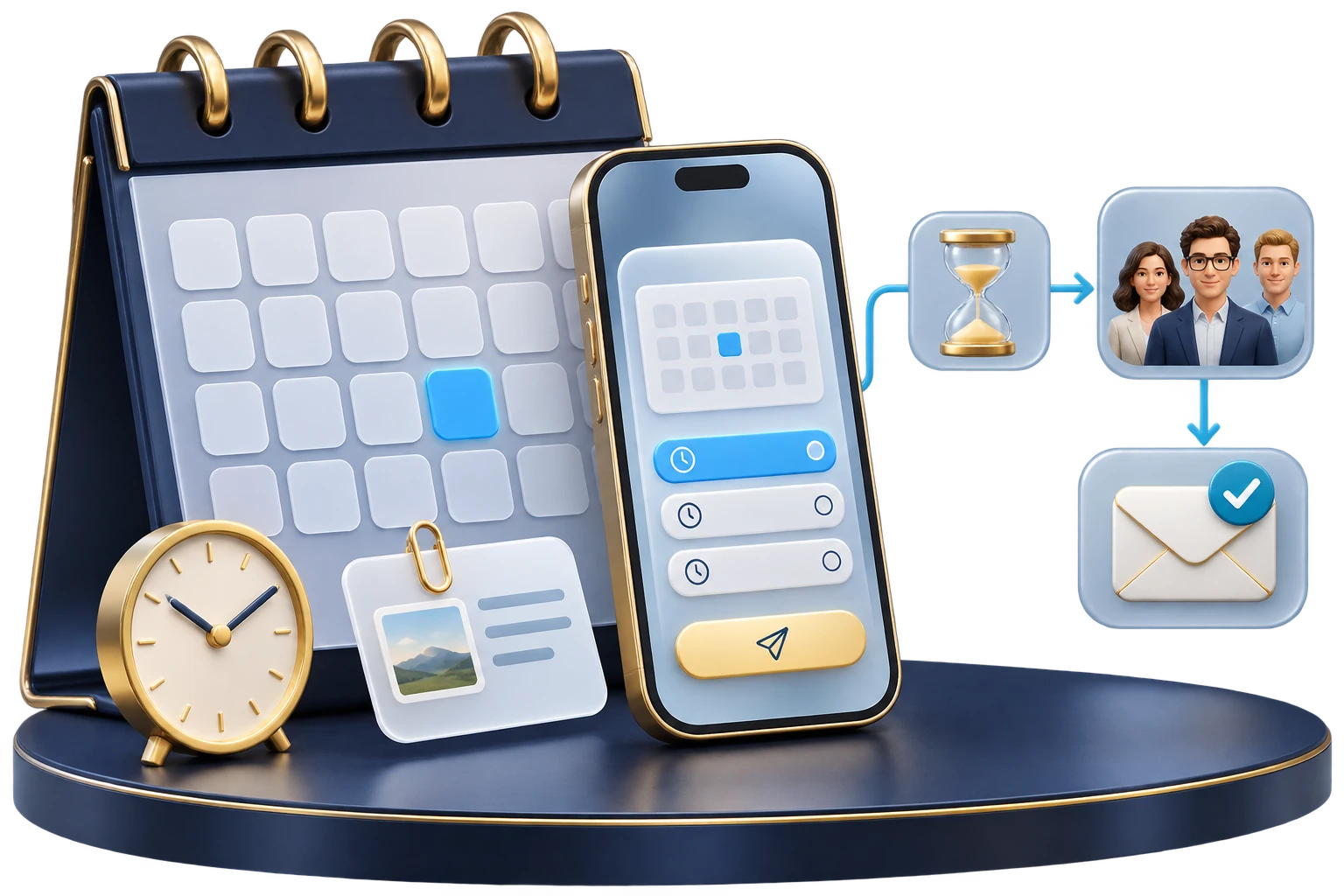
Appointment Calendar adds a booking section and a booking dialog to your Capitas Cloud website. You define your weekly hours, how long each slot lasts, how far ahead customers can book and how much notice you need, and customers see only the times that are really open.
Customers choose a date and time and where the visit happens, then add their phone number, a note, photos and a video, so your team arrives prepared. They sign in or sign up inside the same dialog, so there is no second page to lose them.
A booking arrives as a pending request. The team members you choose are notified in the app, and by push notification on iPhone, and you confirm it from your panel. Confirming sends the customer a confirmation email. Slots are checked as people book, so the same time cannot be taken twice.
In the panel you see every appointment by status (pending, confirmed, completed or cancelled), add appointments yourself for people who phone in, and block days or hours for holidays and meetings so the website stops offering them.

Set opening hours for each day of the week, the slot length, the lead time and how far ahead customers can book. They see only open times.
Use one fixed slot length, or let customers pick a duration such as 15, 30, 60, 90 or 120 minutes, as you configure.
Offer the customer's address, your business address, a branch or a phone call with no address needed. You choose the options and what they are called.
Customers attach photos, a video and a note about what they need, so you can see the situation before the visit.
Customers sign in or sign up without leaving the booking, so every appointment is tied to a customer account.
The team members you choose are notified in the app, and by push notification on iPhone, as soon as a booking comes in.
When your team confirms an appointment, the customer receives a confirmation email.
Close days or hours with a reason, and create appointments yourself. The panel warns you if a new appointment overlaps an existing one.
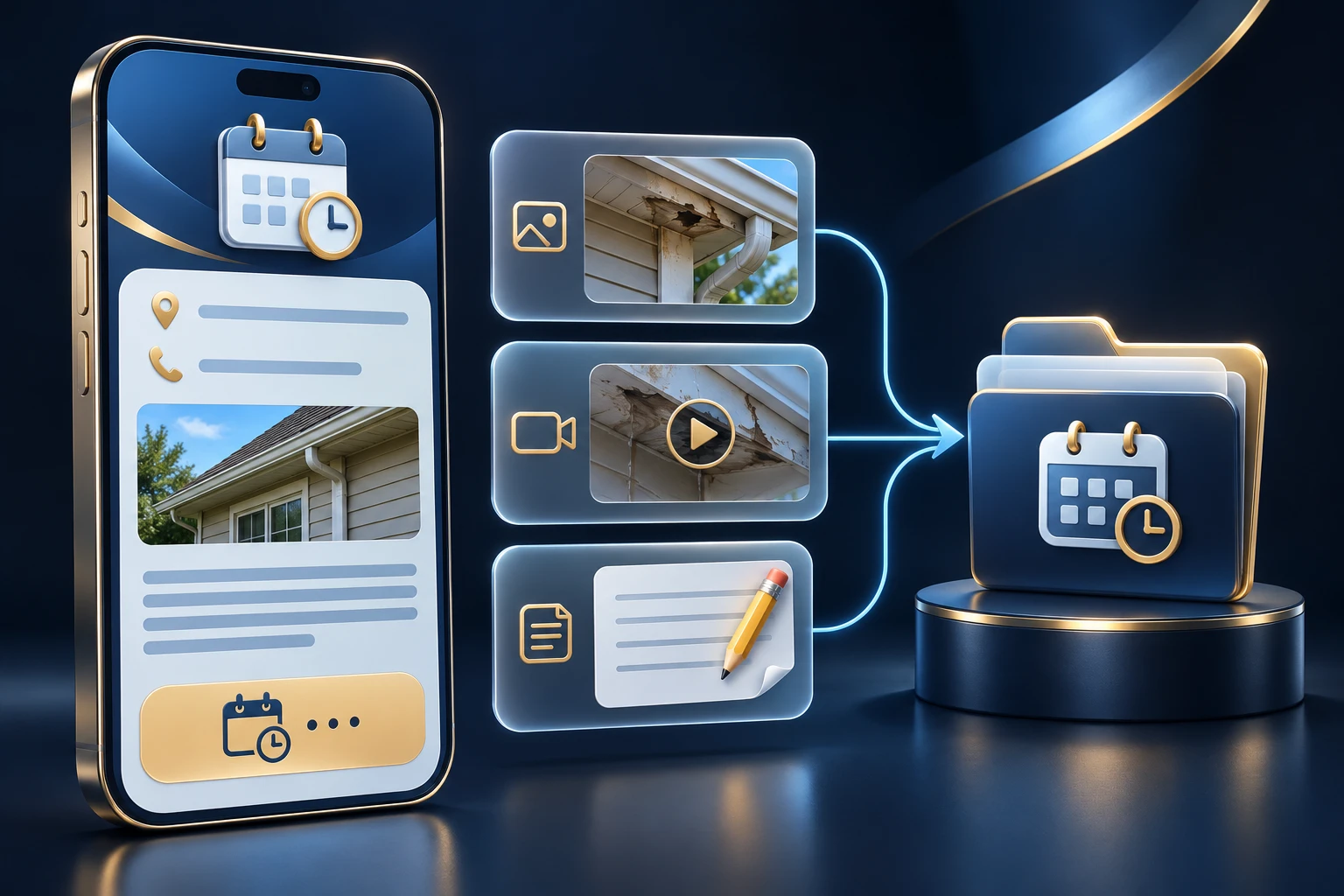
Booking runs itself, so your team spends less time hunting for a time that works.
Customers can book at night and on weekends, and your team confirms when it is ready.
Photos, video and notes arrive before the appointment.
Your hours, slot lengths, lead time and blocked days decide what customers can book.
A taken slot disappears for everyone else, and overlaps are flagged when you add an appointment by hand.
Website bookings and the ones you add yourself live together, with a clear status from pending to completed.

Customers book at any hour, and you confirm when you are ready.
Website bookings and manual ones, with a status from pending to completed.
Photos, video and notes from the customer reach you in advance.
Results depend on your business and how you use the add-on. These describe what the add-on is designed to do, not a guarantee. Bookings are requests that your team confirms.
Every Capitas Cloud add-on is built to work with the others, so each one you add makes everything you already have work better.
Wherever a customer is involved, their details, leads and conversations land on the same contact records, so your CRM always has the full story.
Where money is involved, invoices and payments flow into invoicing and double-entry accounting, so your books stay in step with the work.
Add-ons share the same customers, catalog and data. Combine them, and each one makes the others more useful.
Everything lives in one Team Panel, and the same panel and its notifications go with you in the mobile app.
Every Capitas Cloud app and add-on shares the same customers, catalog and data. Combine Appointment Calendar with these to save more time and turn more visitors into revenue.
Book a presentation and we will show you Appointment Calendar working with your own business, or ask for your free dynamic website design with online booking built in.
Live sites running on Capitas Cloud tools. Scroll inside a card to explore it, or use Open site to view it in a new tab.
 Baseline Motion Tennis
Open site (opens Baseline Motion Tennis in a new tab)
 Signal Vista Digital
Open site (opens Signal Vista Digital in a new tab)
 Cue Vista Productions
Open site (opens Cue Vista Productions in a new tab)
Tell us about your business and we will design a dynamic website with your Capitas Cloud tools, free until you are completely satisfied. You will see it running in our studio domain before you approve it and move it to your domain.
We are working on your free dynamic website design. We will send you an email when it is ready, so you can see it running before you approve it.