Your own domain
Professional addresses for every person, role and department.
A dedicated mail server on your own domain with unlimited accounts and campaign analytics that show which emails and products drive clicks.

Mail Server gives your business professional email at your own domain, such as [email protected], running on infrastructure inside your Capitas Cloud account. Create as many mailboxes as your team needs without per-seat fees.
It also powers outbound marketing. Every campaign is tracked down to the click, so you see which messages and which products customers respond to, and send transactional email with strong deliverability.
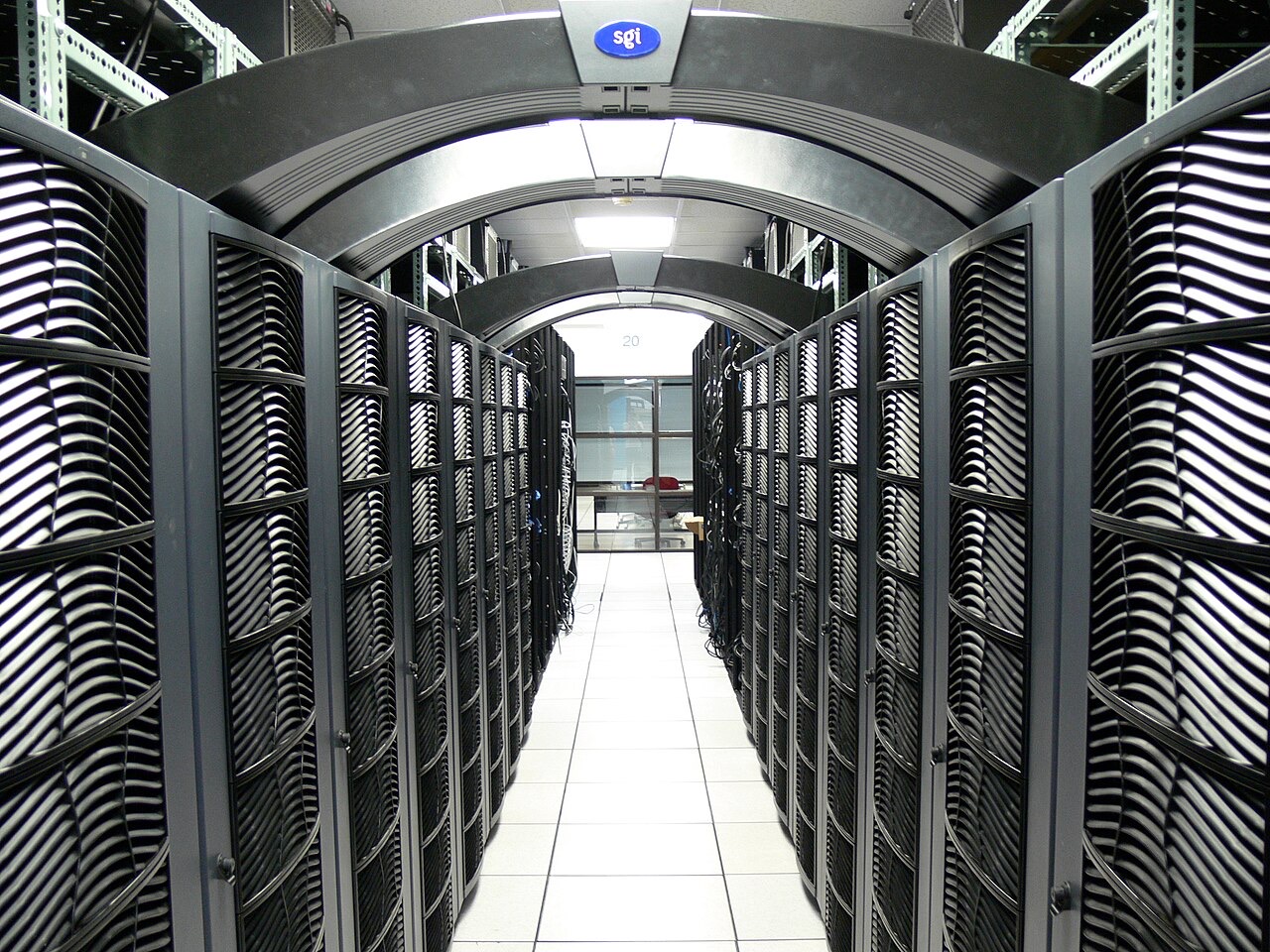
Professional addresses for every person, role and department.
Add mailboxes, aliases and forwarding rules without extra charges.
SPF, DKIM and DMARC configured so your messages reach the inbox.
Track opens and clicks per email and per product link.
Use webmail or connect Apple Mail, Outlook and phone apps.
Layered protection keeps junk and malware out of your team inboxes.

Email from your own domain builds trust and avoids spam folders.
Unlimited accounts remove the per-user pricing of generic providers.
Click data per product tells you which offers deserve more promotion.
Messages stay in your cloud instead of scattered across third-party tools.
Scale your team with no seat licenses.
See which items generate real interest from each campaign.
Typical savings compared with paid per-seat providers.
Figures are typical or commonly reported ranges for comparable tools and are not a guarantee. Results depend on your business, your content and how you use the add-on.
Every Capitas Cloud add-on is built to work with the others, so each one you add makes everything you already have work better.
Wherever a customer is involved, their details, leads and conversations land on the same contact records, so your CRM always has the full story.
Where money is involved, invoices and payments flow into invoicing and double-entry accounting, so your books stay in step with the work.
Add-ons share the same customers, catalog and data. Combine them, and each one makes the others more useful.
Everything lives in one Team Panel, and the same panel and its notifications go with you in the mobile app.
Every Capitas Cloud add-on shares the same customers, catalog and data. Combine Mail Server with these add-ons to save more time and turn more visitors into revenue.
Book a presentation and we will show you Mail Server working with your own business, then outline a redesign or a new dynamic website built from your specs and assets.
Live sites running on Capitas Cloud tools. Scroll inside a card to explore it, or use Open site to view it in a new tab.
 Baseline Motion Tennis
Open site (opens Baseline Motion Tennis in a new tab)
 Signal Vista Digital
Open site (opens Signal Vista Digital in a new tab)
 Cue Vista Productions
Open site (opens Cue Vista Productions in a new tab)
Tell us about your business and we will design a dynamic website with your Capitas Cloud tools, free until you are completely satisfied. You will see it running in our studio domain before you approve it and move it to your domain.
We are working on your free dynamic website design. We will send you an email when it is ready, so you can see it running before you approve it.