Signup form for your website
A section you can place on your pages, with your own headline, wording and button text, and a required consent checkbox.
Newsletter adds a signup form to your website, confirms every subscriber by email, keeps them in your CRM, and lets you send branded issues on a schedule, with reports on what was opened and clicked.
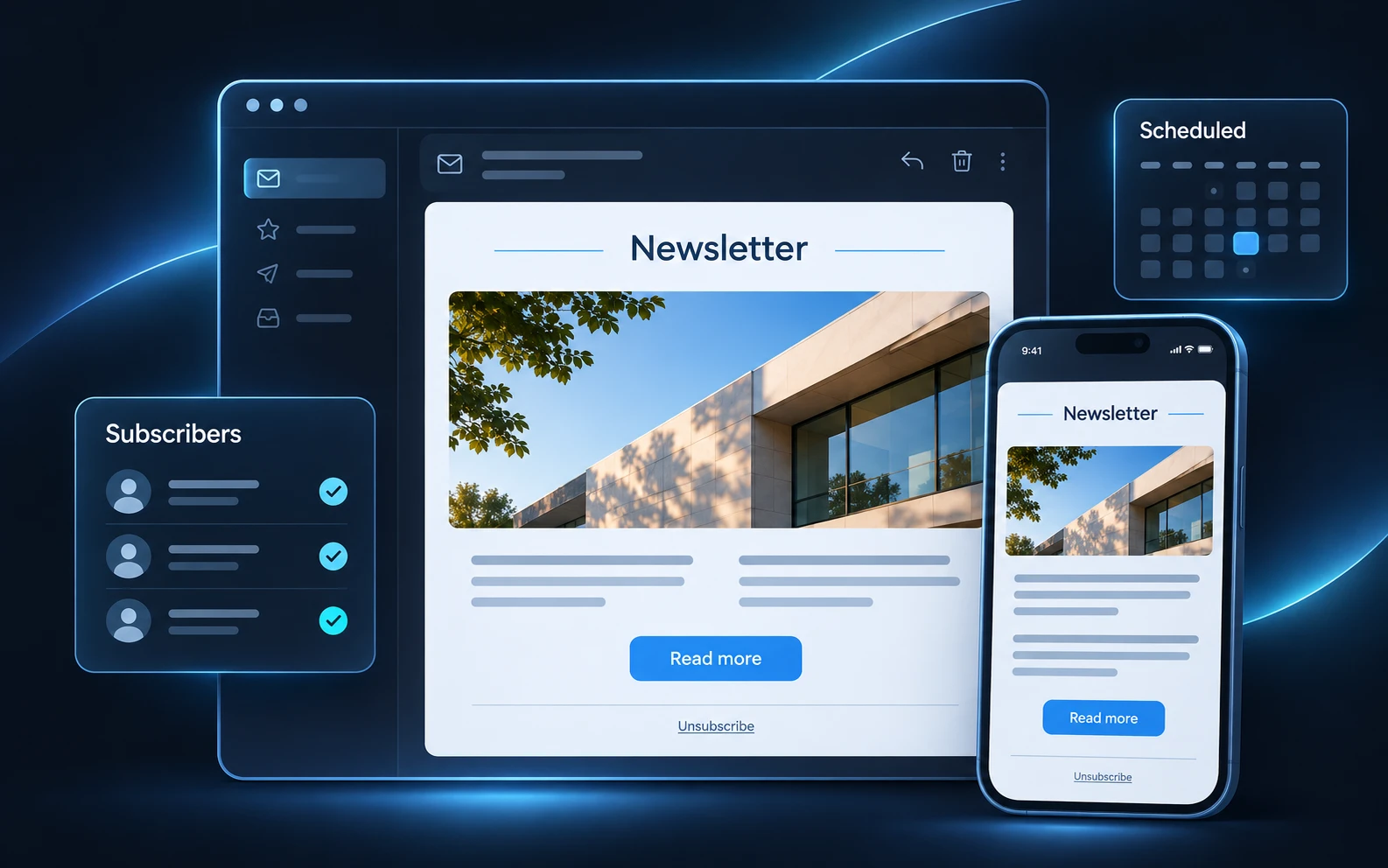
Newsletter is the add-on that turns website visitors into people you can write to. A signup section on your site collects an email address with a clear consent checkbox, and the visitor receives an email asking them to confirm. Only people who confirm are subscribed.
Every subscriber is a contact in your CRM, tagged Newsletter and marked with where they came from, so your newsletter list and your customer records are the same list, not two systems to keep in sync.
In your panel you write each issue from a ready-made email layout: subject, preview text, title, introduction, up to twelve blocks of headings, text, images and links, and a button. You preview it, send yourself a test, see exactly how many people will receive it, and send it now or schedule it for later.
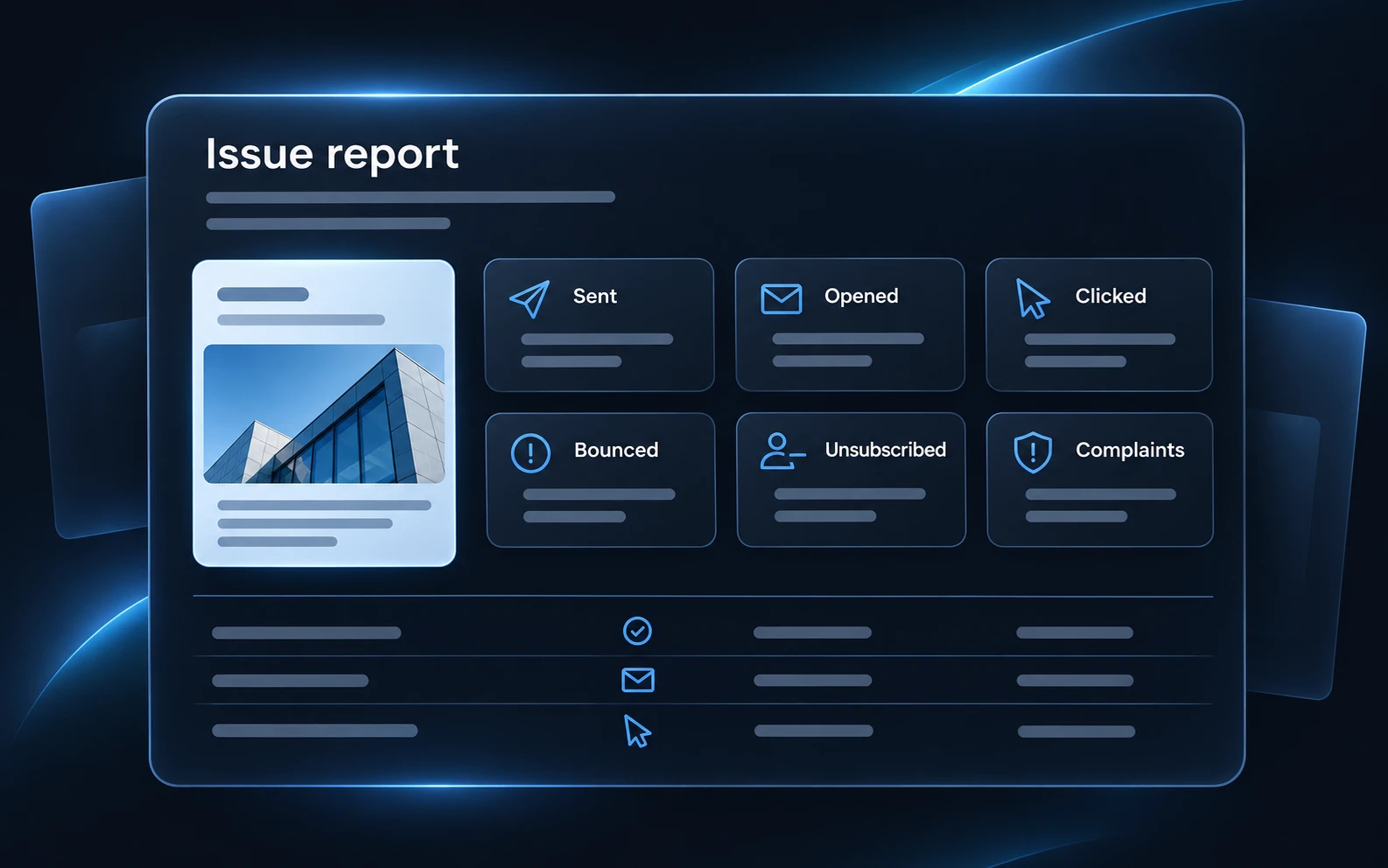
Each issue carries an unsubscribe link and your business postal address, as email rules expect. After sending, a report shows how many were sent, opened, clicked, bounced or unsubscribed.
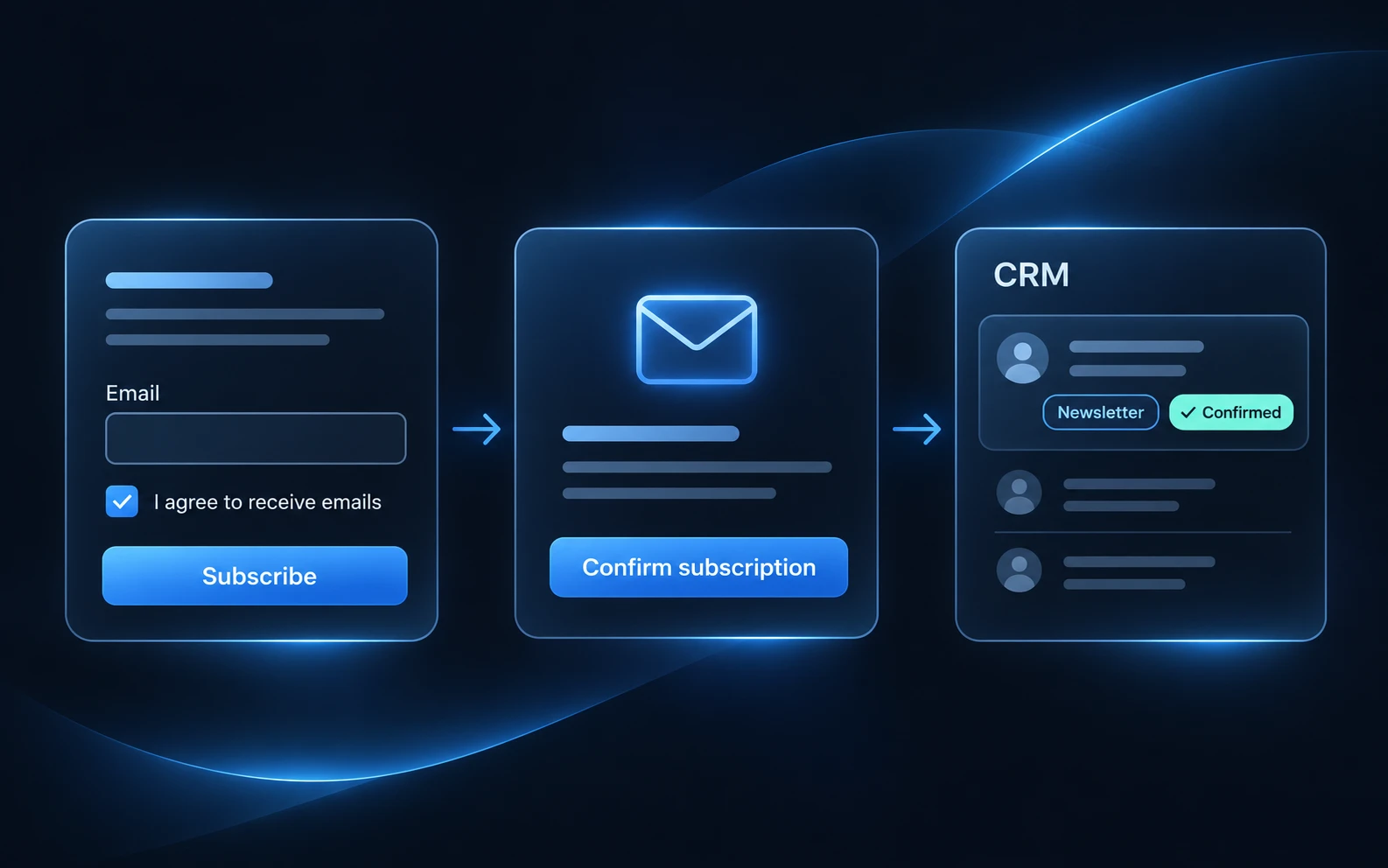
A section you can place on your pages, with your own headline, wording and button text, and a required consent checkbox.
Each new address gets a confirmation email, and is subscribed only after they click it. Your list stays clean and consent is clear.
Signups become contacts tagged Newsletter. You can see, add, remove and export subscribers as a CSV file from your panel.
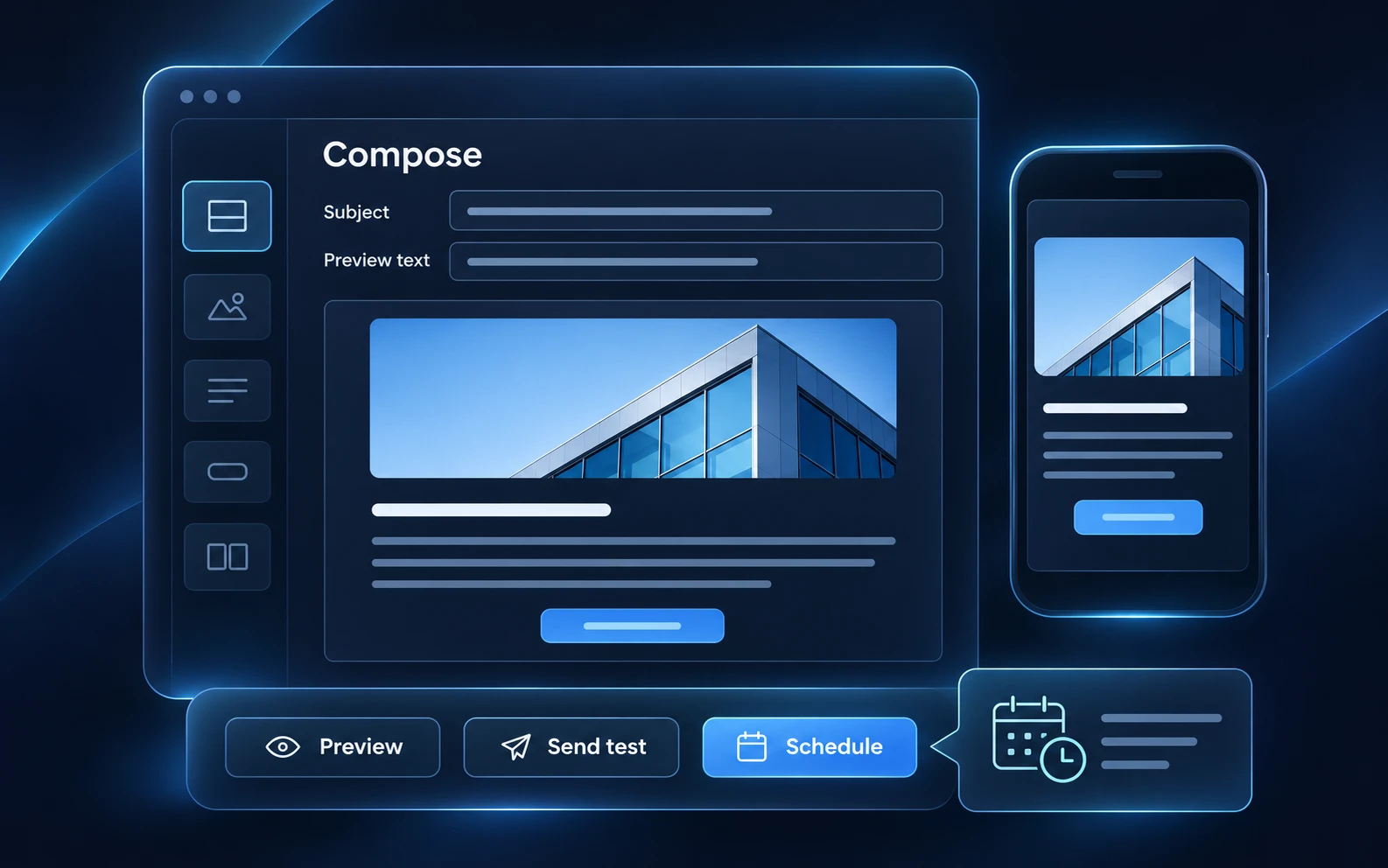
Compose a subject, preview text, title and introduction, then add up to twelve blocks: headings, text, images with alt text, and links. A button and footer note close the issue.
See the finished email, send a test to yourself and check the number of recipients before anything goes out.
Pick a date and time up to a year ahead. Sending is paced and resumes safely if it is interrupted, and nobody receives the same issue twice.
Recipients, sent, opened, clicked, bounced, complained and unsubscribed counts, with open and click rates and a summary of any failures.
One-click unsubscribe pages, a bot trap and rate limits on the signup form, and sending limits and health checks that protect your sender reputation.
Social reach changes with every algorithm. Your subscribers chose to hear from you, and the list is yours to keep and export.
A consent checkbox, a confirmation email and an unsubscribe link in every issue help you follow good email practice from day one.
Subscribers are already in your CRM next to your customers, leads and notes, so there is nothing to import or reconcile.
Write once, preview, schedule and move on. The add-on handles the sending, the unsubscribes and the counting.
Issues use a clean template with your wording and your business address, so every email looks consistent.
Open and click counts show which subjects and links get attention, so your next issue can be better.
No exporting and importing between your website, CRM and email tool.
A signup section on your site gives interested people an easy way to stay in touch.
Learn from opens, clicks and unsubscribes instead of guessing.
Results depend on your business, your content and how often you write. These are what the add-on is designed to give you, not a guarantee. Delivery depends on the sending mailbox and on email providers, and your first newsletters may be reviewed before they send.
Every Capitas Cloud add-on is built to work with the others, so each one you add makes everything you already have work better.
Wherever a customer is involved, their details, leads and conversations land on the same contact records, so your CRM always has the full story.
Where money is involved, invoices and payments flow into invoicing and double-entry accounting, so your books stay in step with the work.
Add-ons share the same customers, catalog and data. Combine them, and each one makes the others more useful.
Everything lives in one Team Panel, and the same panel and its notifications go with you in the mobile app.
Every Capitas Cloud app and add-on shares the same customers, catalog and data. Combine Newsletter with these to save more time and turn more visitors into revenue.
Book a presentation and we will show you Newsletter working with your own business, or ask for your free dynamic website design with a signup section built in.
Live sites running on Capitas Cloud tools. Scroll inside a card to explore it, or use Open site to view it in a new tab.
 Baseline Motion Tennis
Open site (opens Baseline Motion Tennis in a new tab)
 Signal Vista Digital
Open site (opens Signal Vista Digital in a new tab)
 Cue Vista Productions
Open site (opens Cue Vista Productions in a new tab)
Tell us about your business and we will design a dynamic website with your Capitas Cloud tools, free until you are completely satisfied. You will see it running in our studio domain before you approve it and move it to your domain.
We are working on your free dynamic website design. We will send you an email when it is ready, so you can see it running before you approve it.