


Otto
Catalog assistant
Add a model, fill in its parts or write a service. Otto adds and updates, never deletes, and never touches stock, prices or accounts.
Check the part numbers he lists.

BayDeck is the Service Shop add-on for Capitas Cloud, for any equipment you repair, from cars and fleets to machinery, marine and electronics. It lives inside a dynamic website that looks great, captures leads and lets customers book and chat, and your whole shop runs from one panel that fits in your pocket.
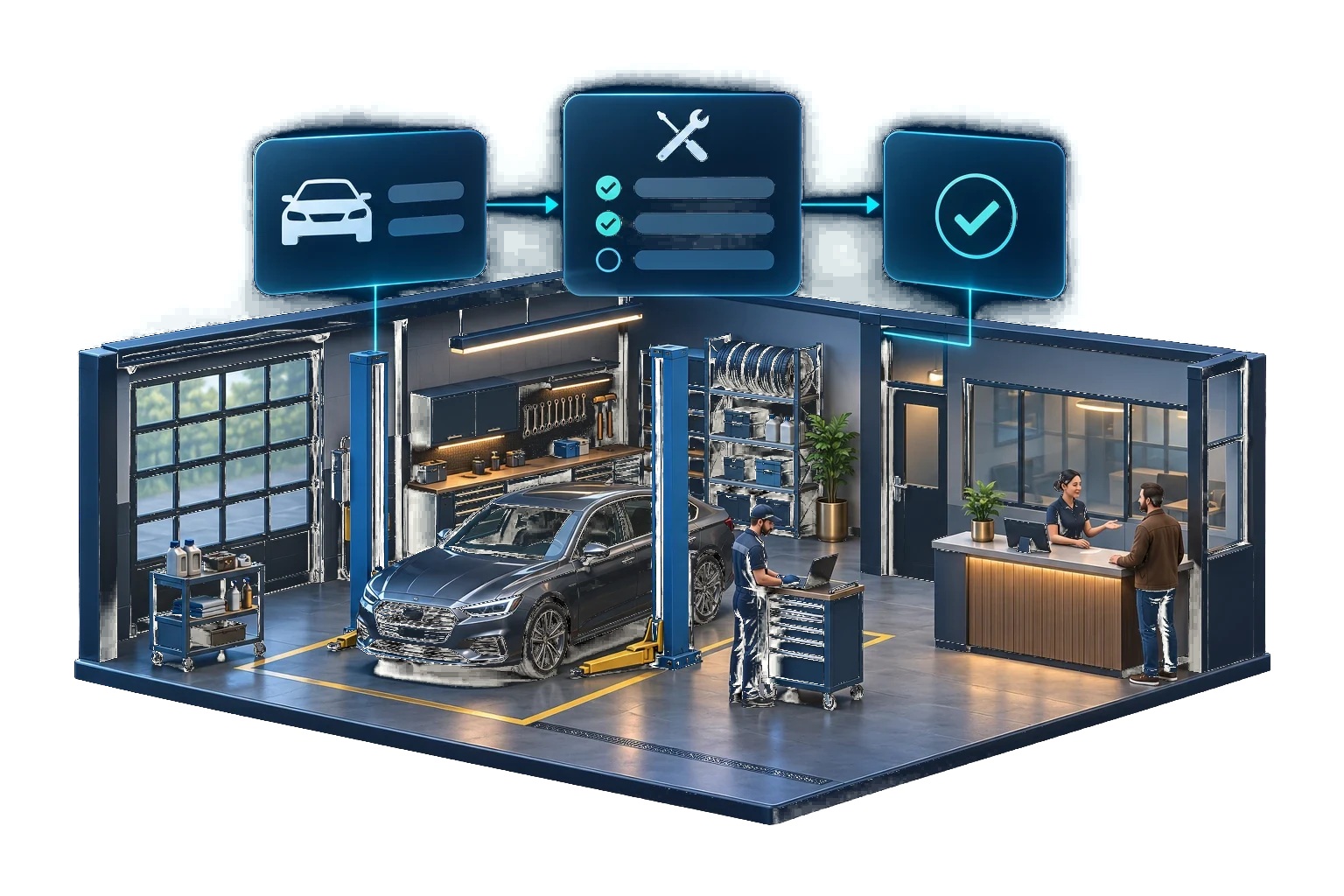
The board follows each repair order through nine stages, so the front desk and the technicians always see the same picture.
BayDeck is not a stand-alone program. It lives inside your Capitas Cloud website, so the page your customers admire is the same place where they reach you, book and follow their work.
A modern, fast website designed by our team around your shop, so the first impression is the one you want.
Estimate requests and contact messages land in your panel, ready to turn into a customer and a repair order.
Visitors pick a time from your appointment calendar, without a phone call.
Answer questions while they browse, and keep the conversation next to their record.
Signed-in customers follow the status of the jobs they ordered, see their equipment, such as their cars, and more.
The website, the bookings, the chat and the repair orders share the same customers and vehicles, so nothing is typed twice.
BayDeck is not only for cars. A repair order follows any piece of equipment through your shop, from drop-off to pickup, so it fits whatever you service. If it comes in for repair, it can have a repair order.

Cars, light trucks, commercial fleets, trailers, motorcycles and specialty vehicles, worked in your bays and on your lifts, with labor and parts on one order.
Excavators, skid steers, forklifts, generators, compressors, agricultural machinery and factory equipment, in your larger bays or yard. Add Field Operations for service trucks in the field.
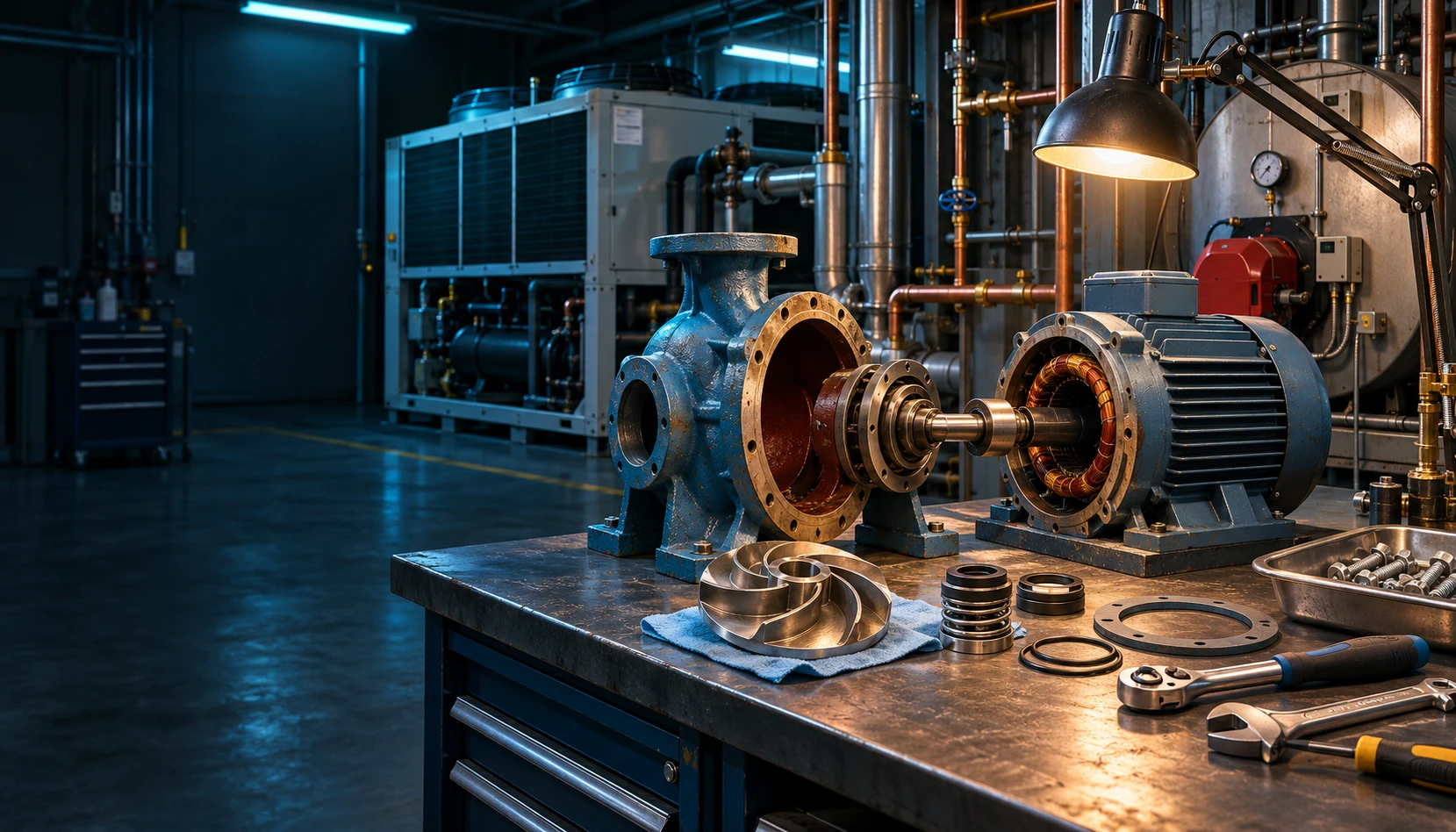
Boilers, chillers, commercial refrigeration, pumps and jobsite tools: bench repairs for rebuildable units, motors and assemblies, with on-site work dispatched through Field Operations.
Lawn mowers, chainsaws, ATVs and UTVs, golf carts, outboard motors and boats, with the long parts lists and seasonal peaks of these shops.
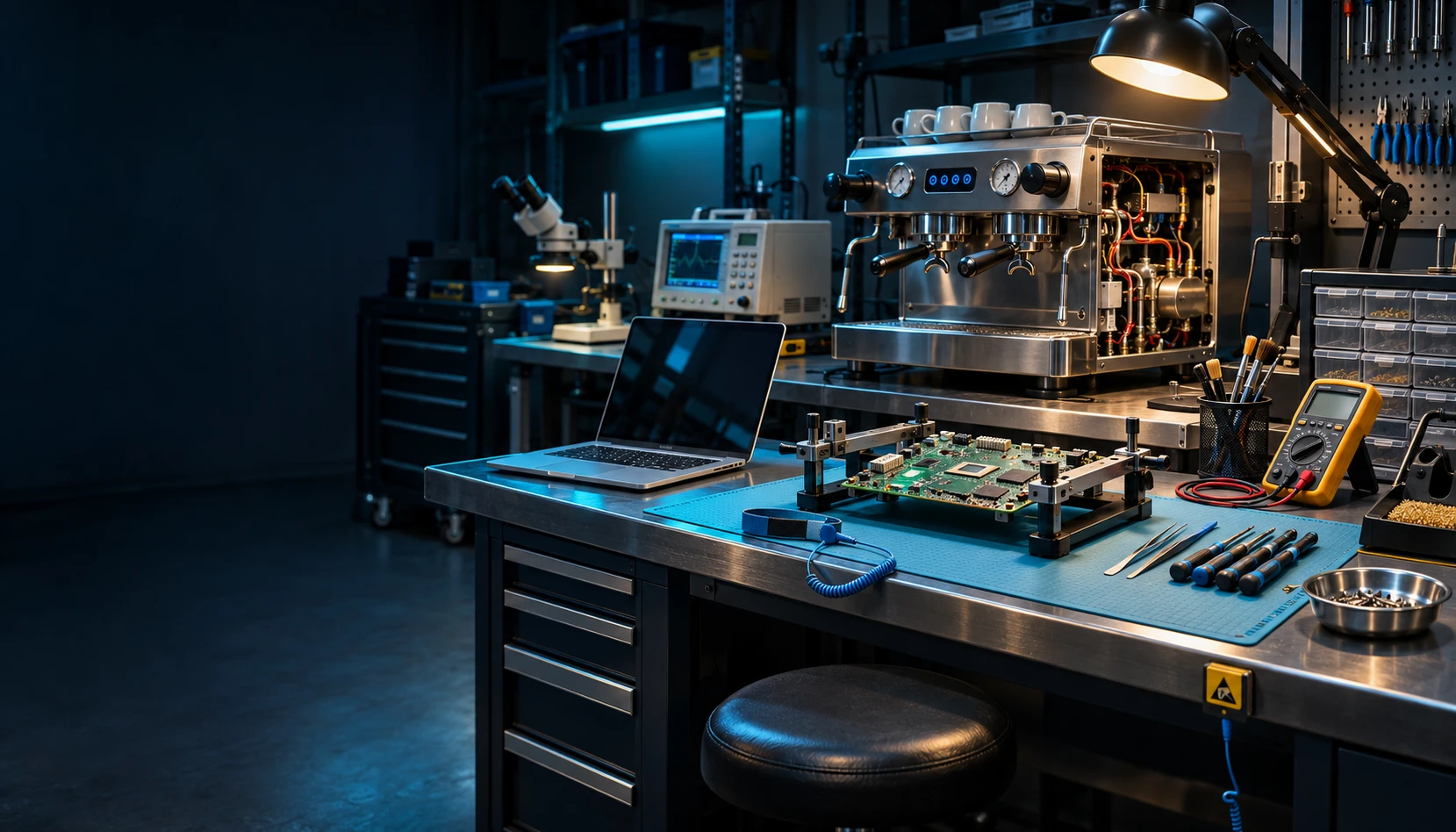
Commercial kitchen equipment, medical and lab gear, power tools and consumer electronics, usually repaired at the bench rather than in a bay.
Service for recreational vehicles, campers and trailers, from a quick inspection to a long repair.
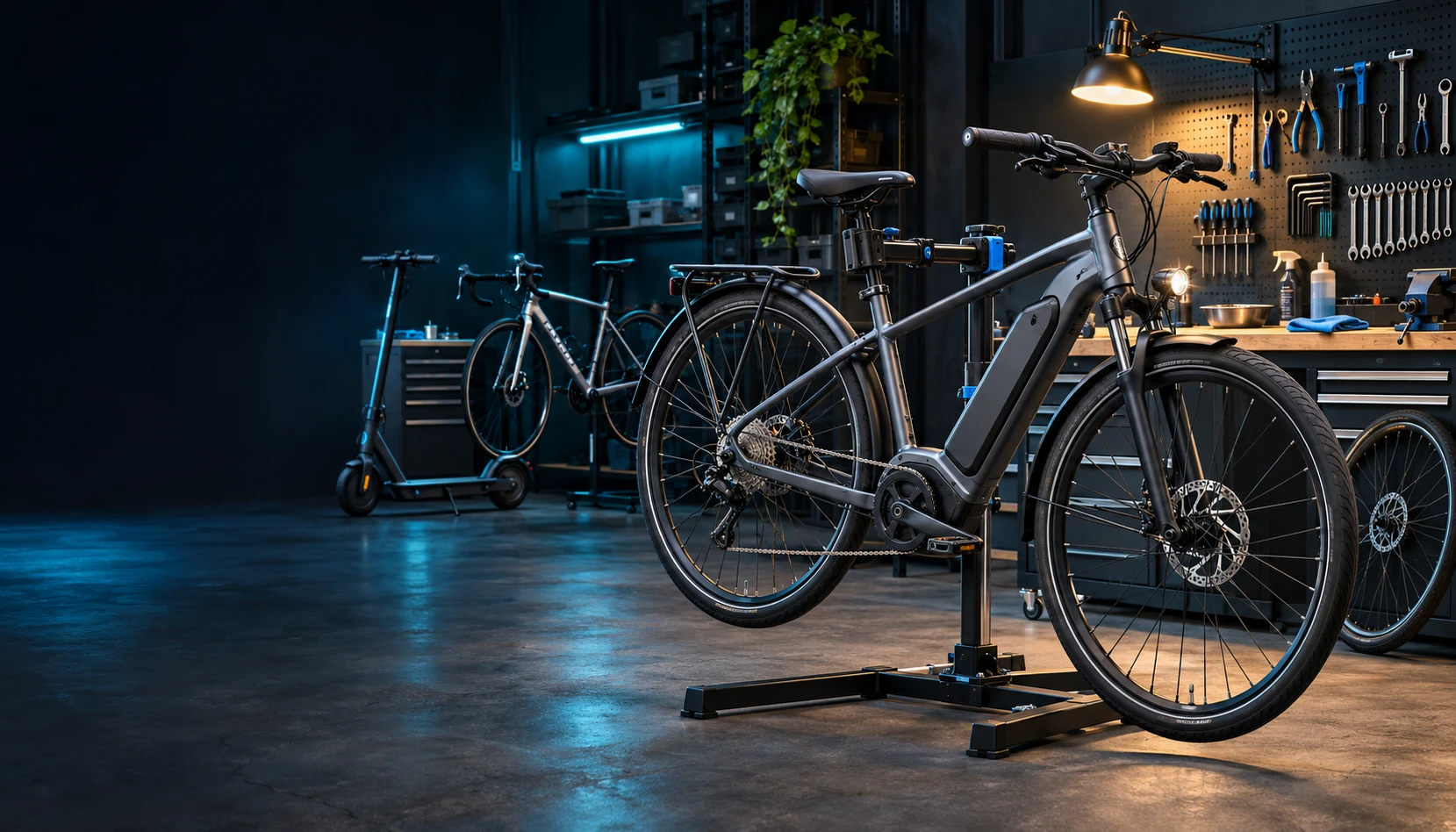
Tune-ups and repairs for bicycles, e-bikes, scooters and mobility devices, with parts and labor on one order.
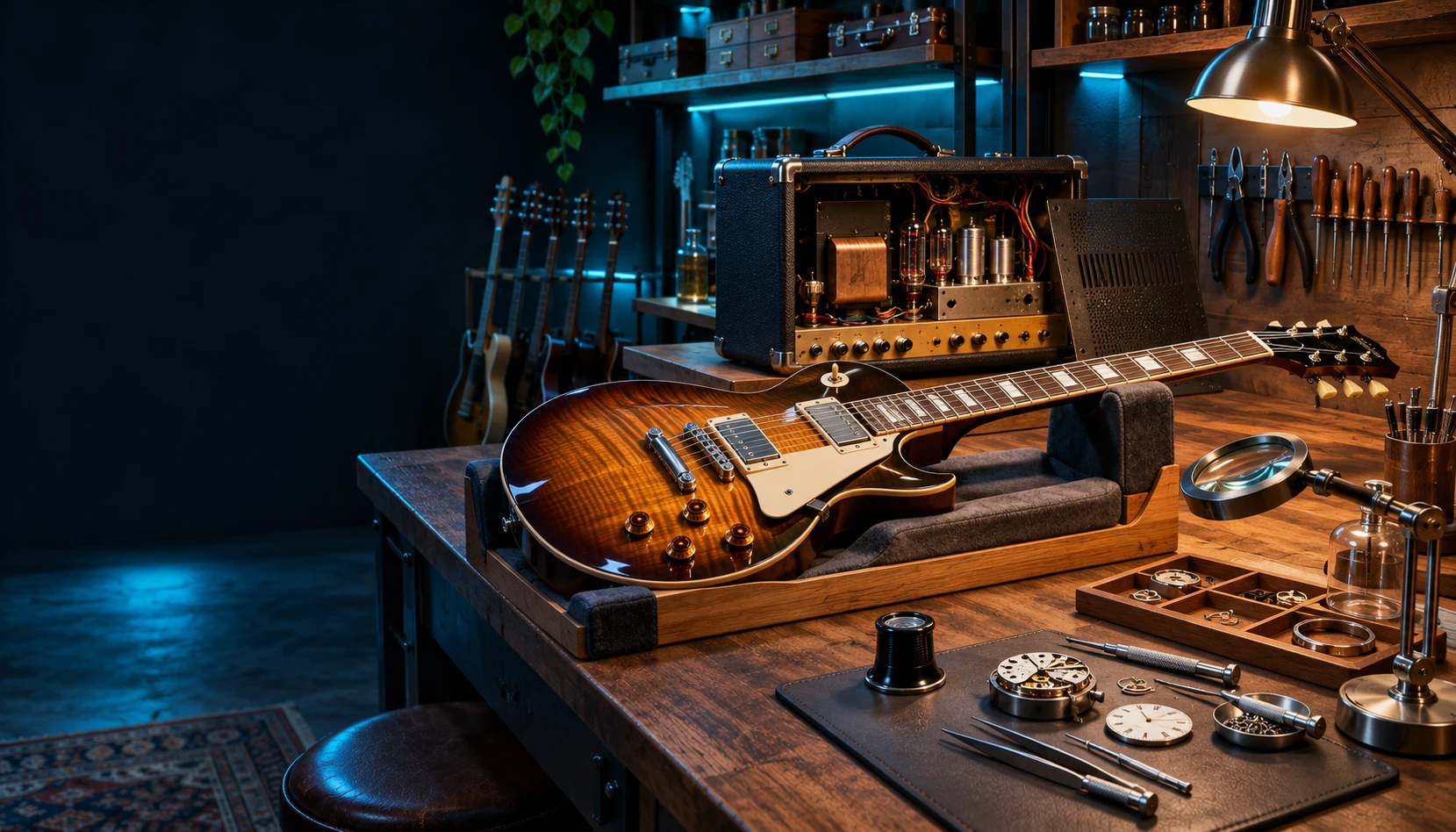
Musical instruments, audio gear, watches and other items brought in for repair, tracked from drop-off to pickup.
Customers check in with the counter QR sign and appear on the board as waiting. Your advisor finds or adds the customer and the vehicle, then writes down what the customer reports.
Print the sign for your counter. Customers check themselves in and show up in a waiting list at the top of the board.
Search for a returning customer or add a new one with name, email and phone, then record the equipment: year, make, model and, where it has them, a VIN or plate.
Write the complaint, record the meter reading and note the work the customer authorized.
Assign a technician and a bay and set the time you promised, with internal notes that are never shown to the customer.
Build the estimate line by line from your own parts and labor catalogs. The totals and the sales tax are worked out for you, and every line gets its own answer from the customer.
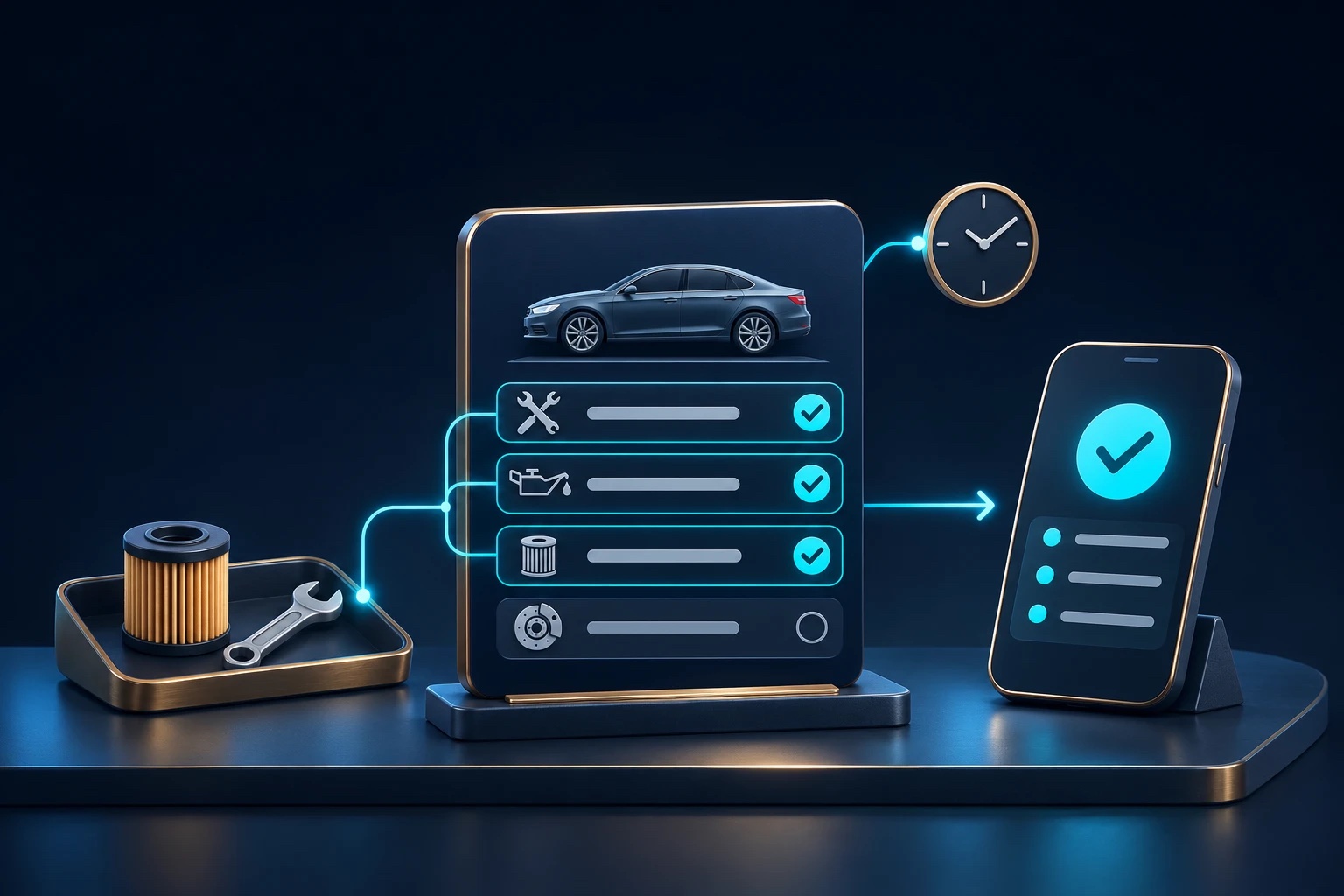
Technicians work from the same repair order. They update the job and the parts, and complete the Shop Work Record that documents the repair.

Before the equipment goes back to the customer, your own checks run. Then the invoice comes straight from the repair order.
Require a completed Shop Work Record before a repair order can be marked ready for pickup.
Email the customer by itself when the job becomes ready.
Create the invoice from the repair order and record the payments, including part payments, with the method and a reference.
Choose the accounts where invoices and payments are recorded. Add your Zelle address in the shop settings if you take payment that way.
The panel works on a phone as well as on the desk computer. Wherever you are, you keep the shop in view.
Open the board, the repair orders and your customers from any phone, tablet or computer, with the same login.
Check which jobs are waiting, in the bay or ready for pickup, without calling the shop.
Review a new lead, answer a chat or follow up on an estimate away from the counter.
Advisors and technicians work from the device they have in hand, in the bay or at the front desk.
Keep the parts you use and the jobs you do in catalogs, so a new estimate is a few clicks and not a blank page.
Find a part in your folders, or add a new one with its name, part number, brand and price.
List the jobs you do with their usual hours, an optional hourly rate and notes. Your default hourly rate fills in the rest.
These are settings you choose once in the shop settings, and every repair order follows them.
Your sales tax rate and your default hourly labor rate.
Team members with a login, people kept as contacts with no login, or both.
The amount above which a written estimate is needed.
How much extra work may be added, as a percentage and up to a dollar cap.
Switch the waiver form on if you use one, or off if you do not.
Require the Shop Work Record before a job can be ready for pickup.
Two assistants from the AI Team work inside your parts and service catalogs, so building them takes minutes of conversation, not hours of typing.
Add a model, fill in its parts or write a service. Otto adds and updates, never deletes, and never touches stock, prices or accounts.
Check the part numbers he lists.
Tell Elon the make, model, year and market. He researches the OEM catalog and fills its parts by assembly. You can attach a manufacturer parts list.
Confirm the exact variant and review fitment before ordering.
Every Capitas Cloud app and add-on shares the same customers, catalog and data. Combine BayDeck with these to save more time and win more customers.
Every Capitas Cloud add-on is built to work with the others, so each one you add makes everything you already have work better.
Wherever a customer is involved, their details, leads and conversations land on the same contact records, so your CRM always has the full story.
Where money is involved, invoices and payments flow into invoicing and double-entry accounting, so your books stay in step with the work.
Add-ons share the same customers, catalog and data. Combine them, and each one makes the others more useful.
Everything lives in one Team Panel, and the same panel and its notifications go with you in the mobile app.
Book a presentation and we will show you BayDeck working with your own shop and your own kind of equipment, or ask for your free dynamic website design with BayDeck built in, and run your shop from your phone.
Live sites running on Capitas Cloud tools. Scroll inside a card to explore it, or use Open site to view it in a new tab.
 Baseline Motion Tennis
Open site (opens Baseline Motion Tennis in a new tab)
 Signal Vista Digital
Open site (opens Signal Vista Digital in a new tab)
 Cue Vista Productions
Open site (opens Cue Vista Productions in a new tab)
Tell us about your business and we will design a dynamic website with your Capitas Cloud tools, free until you are completely satisfied. You will see it running in our studio domain before you approve it and move it to your domain.
We are working on your free dynamic website design. We will send you an email when it is ready, so you can see it running before you approve it.