A website that brings the work in
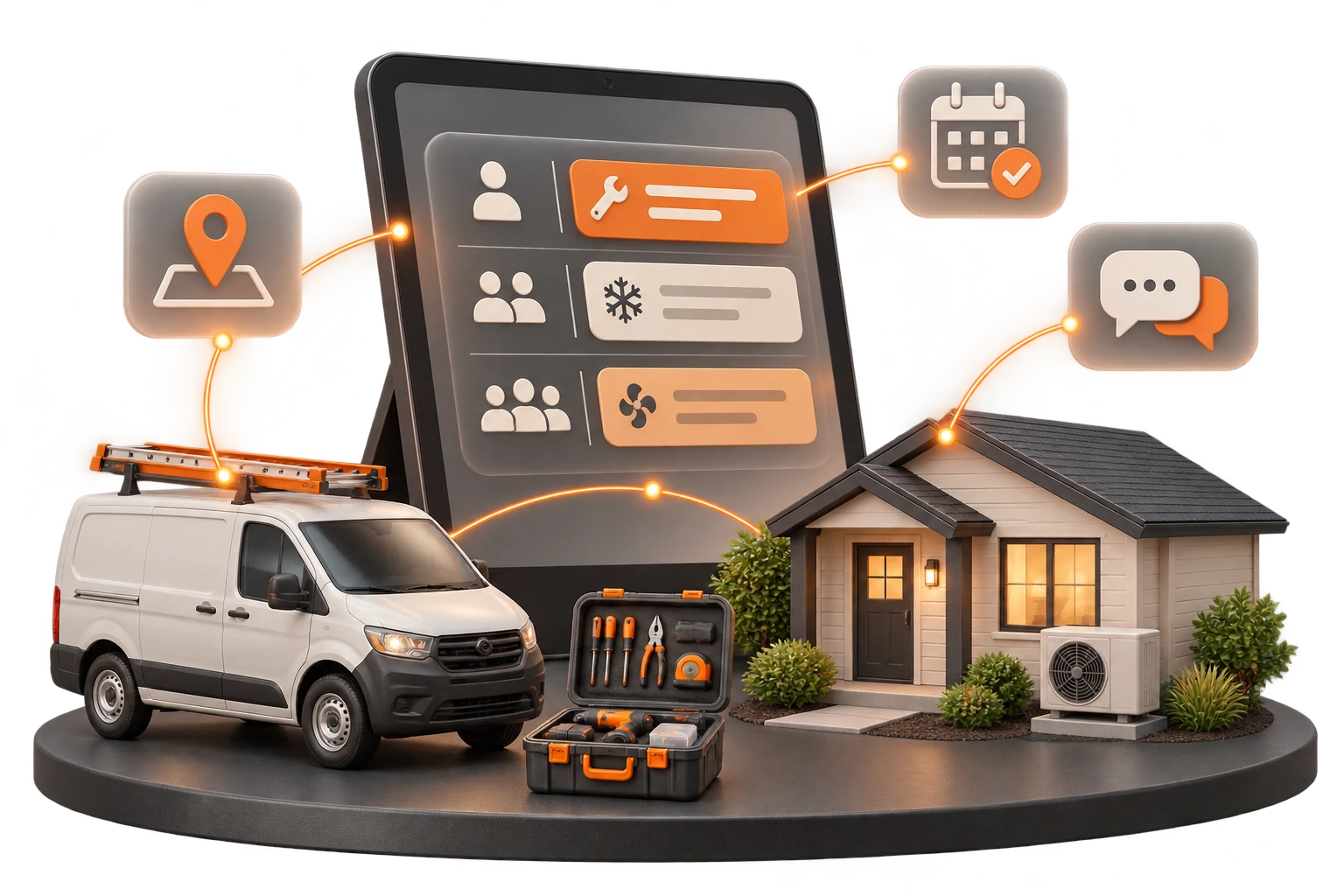
BayGrid is not a stand-alone program. It lives inside your Capitas Cloud website, so the page that shows off your services is the same place where customers reach you, book and follow their jobs.
-
Designed to impress
A modern, fast website designed by our team around your business, so customers trust you before your crew arrives.
-
It captures requests
Estimate requests and contact messages land in your panel, ready to turn into a scheduled job.
-
Customers book online
Visitors pick a time from your appointment calendar, without a phone call.
-
Chat with your customers
Answer questions while they browse, and keep the conversation next to their record.
-
A dashboard for your customers
Signed-in customers get their own dashboard, so they can check on their service without calling the office.
-
One connected system
The website, the bookings, the chat and the field jobs share the same customers, so nothing is typed twice.
Schedule the work, then send the right crew
Plan the jobs on one schedule and dispatch your crews to them, with the office and the field looking at the same plan.
- One schedulePut every job on the schedule, so you can see who is working where and when.
- Dispatch your crewsSend each crew to the job it is assigned to.
- Office and field in syncChanges made in the office reach the field in real time, and the other way around.
Get crews to the job site, and know their time
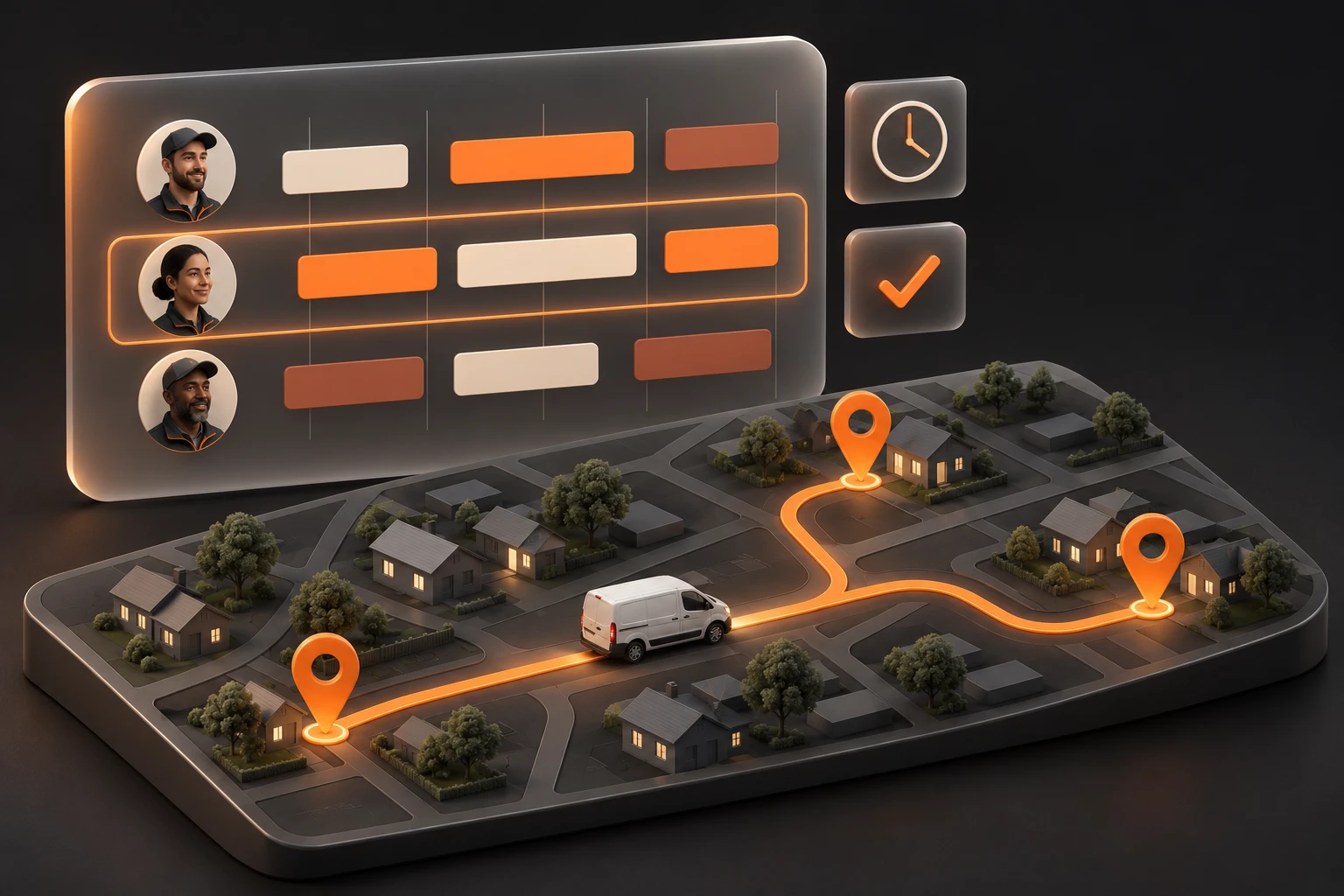
Route your crews to the job sites and keep a record of their time and where they were working.
-
Routes to the job site
Send crews to each job site by the route you plan for the day.
-
Time tracking
Record the time your crews spend on each job.
-
Location
See where the work is happening, as part of the record of the job.
Photos and notes, captured where the work happens
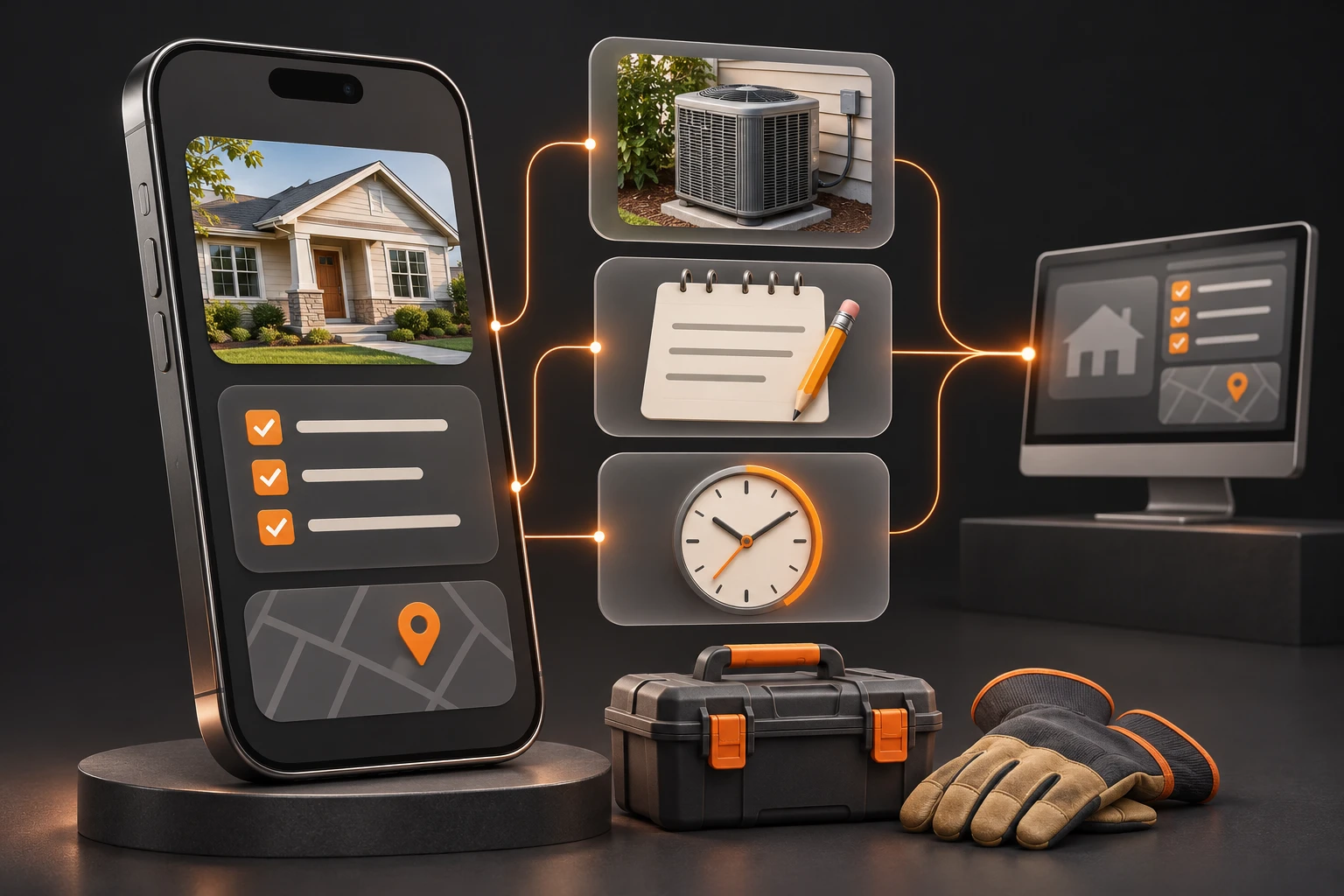
Your crews document the job on site, and the office sees it as it happens.
- Photos on siteCapture photos of the job from the field and keep them with its record.
- Notes on siteWrite down what was found and done, while it is fresh.
- Seen in real timeThe office sees what the crew captures without waiting for the end of the day.
Your entire field operation, in your pocket
The panel works on a phone as well as on the desk computer. Wherever you are, you keep every crew and every job in view.
-
The whole panel on your phone
Open your schedule, your jobs and your crews from any phone, tablet or computer, with the same login.
-
See the field from anywhere
Check which jobs are scheduled and where your crews are working, without calling anyone.
-
Decide on the go
Review a new request, answer a chat or move a job away from the office.
-
Your crews too
Your crews work from the phone they already carry, on site.
Built for teams that work at the customer's site
BayGrid is for the businesses whose work happens away from the office.
-
Service contractors
Schedule and dispatch the crews that go to your customers.
-
Installation and repair teams
Keep every job, photo and note together, from the first visit to the last.
-
Maintenance and inspection teams
Record what was found on site, with photos and notes.
-
Outdoor and property services
Route crews across job sites and keep a record of their time.
-
Any crew in the field
If your work happens at the customer's site, set up your jobs the way you run them.
Better together
Every Capitas Cloud app and add-on shares the same customers, calendar and data. Combine BayGrid with these to save more time and win more customers.
Part of one connected system
Every Capitas Cloud add-on is built to work with the others, so each one you add makes everything you already have work better.
-
In your CRM
Wherever a customer is involved, their details, leads and conversations land on the same contact records, so your CRM always has the full story.
-
In your accounting
Where money is involved, invoices and payments flow into invoicing and double-entry accounting, so your books stay in step with the work.
-
Works with every other add-on
Add-ons share the same customers, catalog and data. Combine them, and each one makes the others more useful.
-
In the panel and in your pocket
Everything lives in one Team Panel, and the same panel and its notifications go with you in the mobile app.
See BayGrid in action
Book a presentation and we will show you BayGrid working for your own crews, or ask for your free dynamic website design with BayGrid built in, and run your field operation from your phone.


