
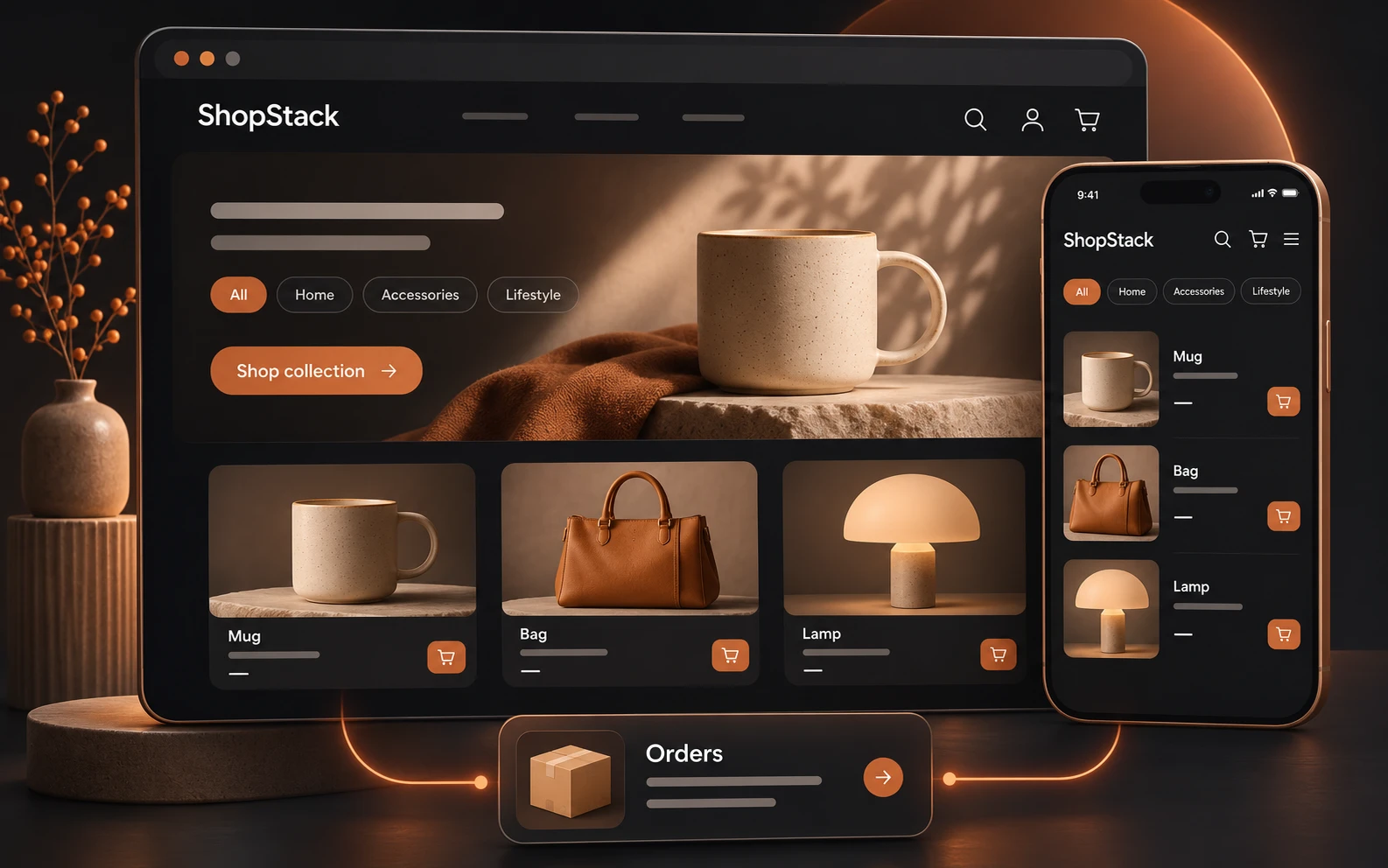
Show what you sell the way you want it seen
Your catalog lives in your dashboard and the storefront reads it directly, so a price, photo or description you change is what shoppers see.
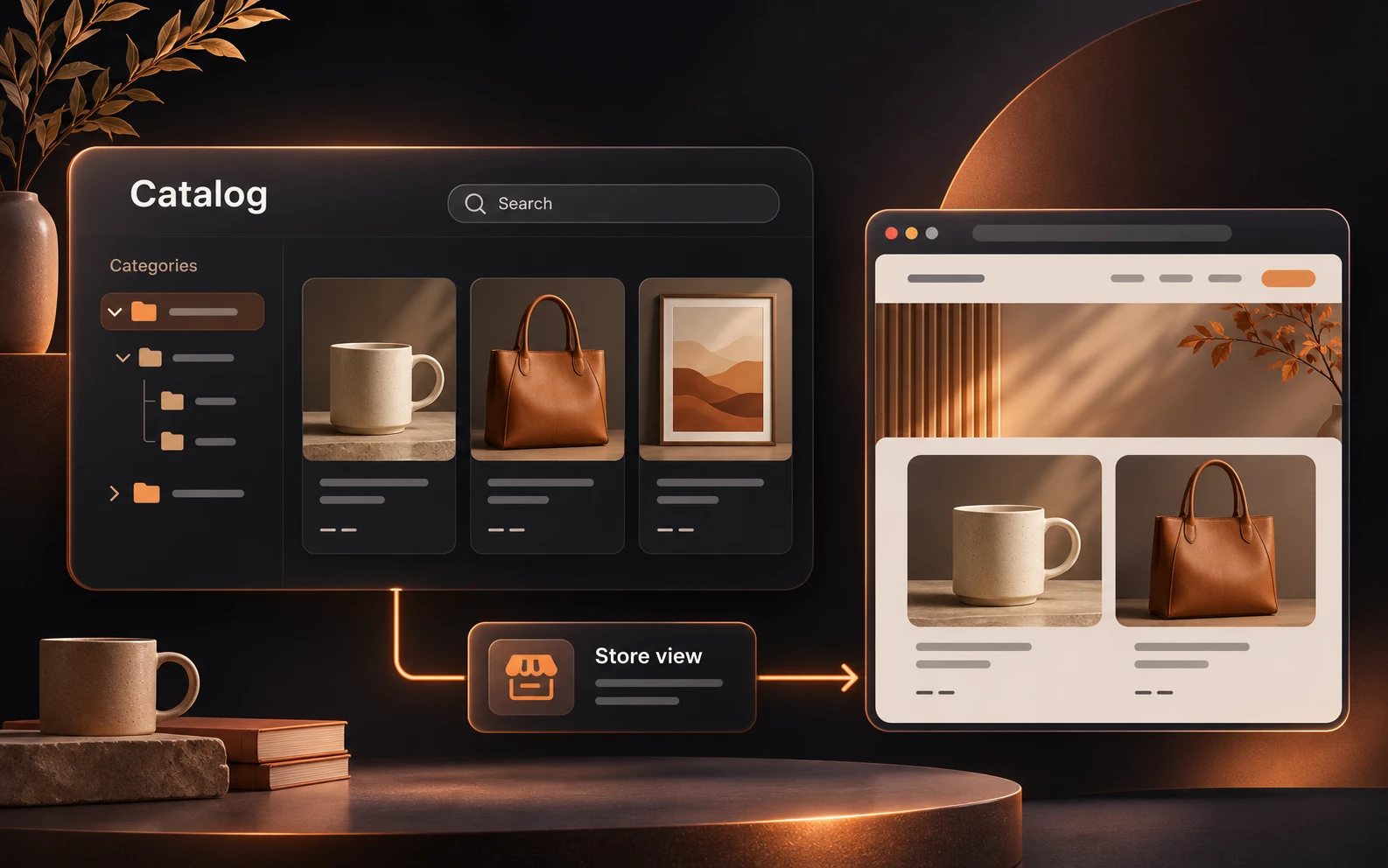
- Physical and digital productsSell goods that ship and digital items that do not. A cart with only digital items asks for billing details, not a shipping address.
- Nested categoriesOrganize products in folders within folders, and place one product in several categories.
- Store viewsBuild hand-picked groups of products, each with its own page, for a collection, a season or a campaign.
- Promo hero and sectionsFeature slides and promo rows on your home page. Only the ones you move into Live appear on the public site.
- Flexible price displayShow a fixed price, a minimum, a suggested amount or Request now, with your own wording such as Price or Gift.
- Store searchVisitors search by what they type and land on a results page that matches your site design.
A checkout that charges exactly what it showed
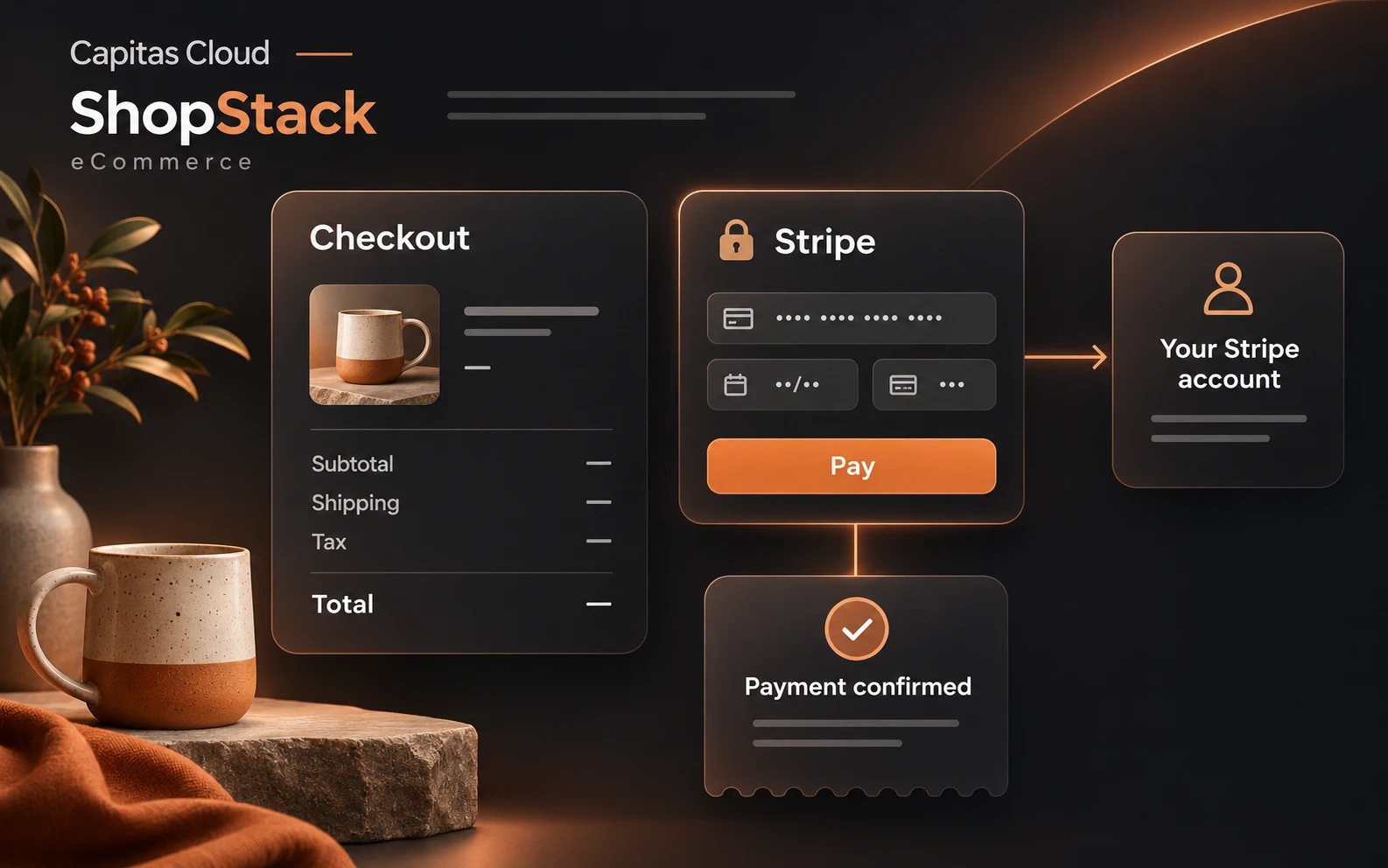
Shoppers add to a cart as a guest or signed in, then pay on a secure checkout. The total includes shipping and sales tax before they pay.
- Cart for guests and customersGuests keep their cart for the session and signed-in customers keep it on their account. Prices always come from your catalog, not from the browser.
- Secure card entryPayment details are typed into Stripe's secure payment form. They never pass through your site.
- The methods Stripe offersCustomers see the payment methods Stripe makes available for their device and your account, such as cards and wallets.
- Sales tax at checkoutStripe Tax works out the tax from the buyer's address and shows it before they pay. The tax transaction is recorded when the payment succeeds.
- Shipping you setSet a flat shipping rate for orders that contain something to ship. Digital-only orders carry no shipping charge.
- Paid means paidPayments are confirmed with Stripe itself, even if the shopper closes the tab right after paying, and repeated notifications never create duplicate orders.
The money goes to your own Stripe account
You create your Stripe account during onboarding, on Stripe's hosted pages. The business, the bank account and the verification are yours, and Capitas Cloud never holds your money.
-
Standard Stripe account
Stripe collects and verifies your business and bank details on its own secure pages.
-
Payouts, fees and disputes in Stripe
Your Stripe dashboard shows gross sales, processing fees, payouts and disputes, where you already expect to find them.
-
Refunds tracked on the order
Full and partial refunds are recorded on the order, and revenue counts the total minus what was refunded, so refunds never inflate sales.
Every order in one place, from paid to delivered
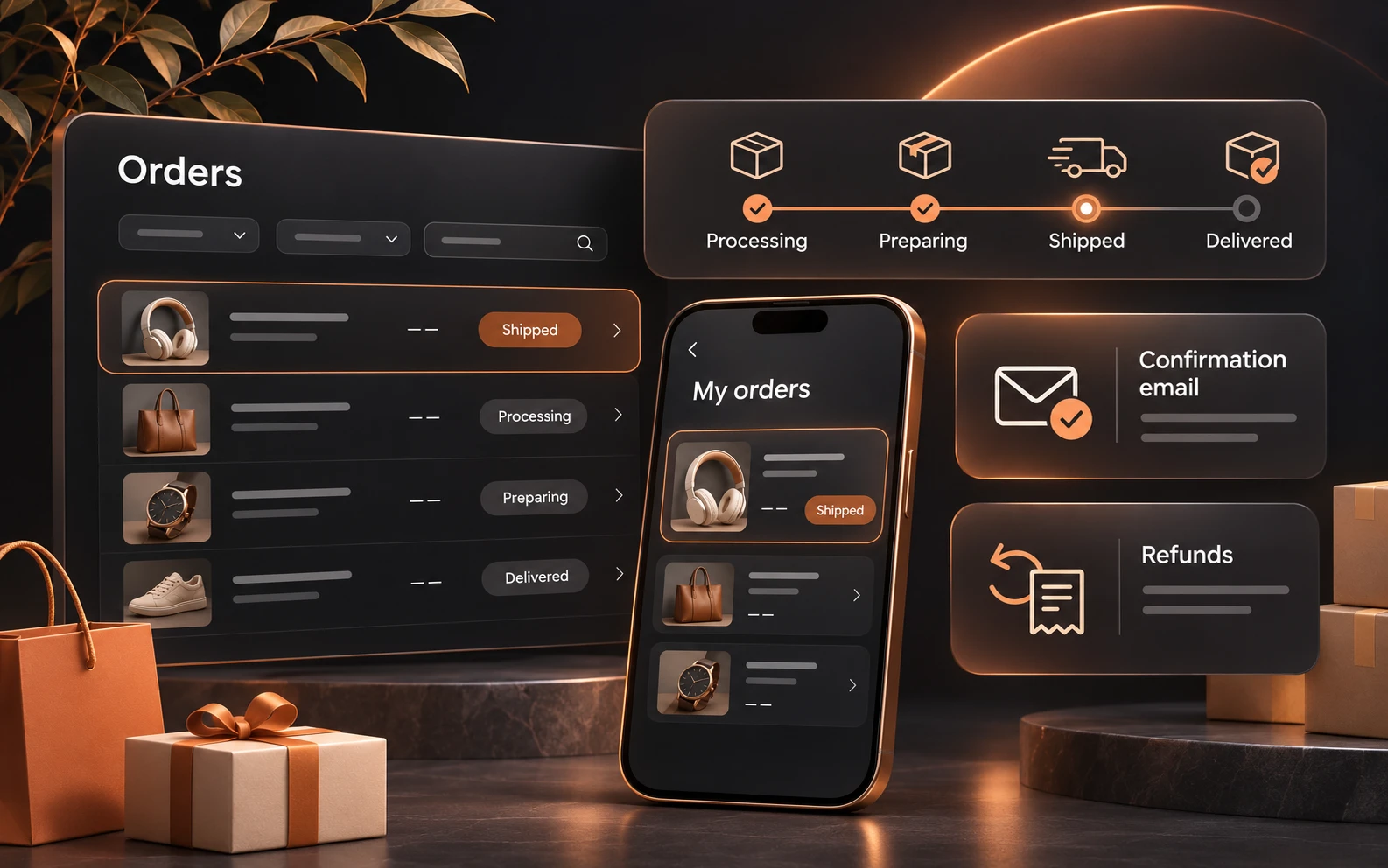
Paid orders appear on your Orders page with their items, shipping, tax and refunds, and you move each one through its fulfilment status.
- Fulfilment statusesMove each order through Processing, Preparing, Shipped, Delivered, Picked up, Closed or Cancelled.
- Customers see the same statusSigned-in buyers open My orders to see their orders and where each one stands.
- Confirmation emailThe buyer receives an order confirmation with the items, shipping, tax and total.
- Alerts for your teamYour team is notified when an order is paid, and the same notifications reach the Team Panel mobile app.
- Pickup and digital ordersOrders can be marked Picked up, and digital orders skip the shipping steps altogether.
- Only your team sees ordersOrders can be read and changed by your team only, and payment fields cannot be edited from the browser.
Branded by us, refined with the AI Team
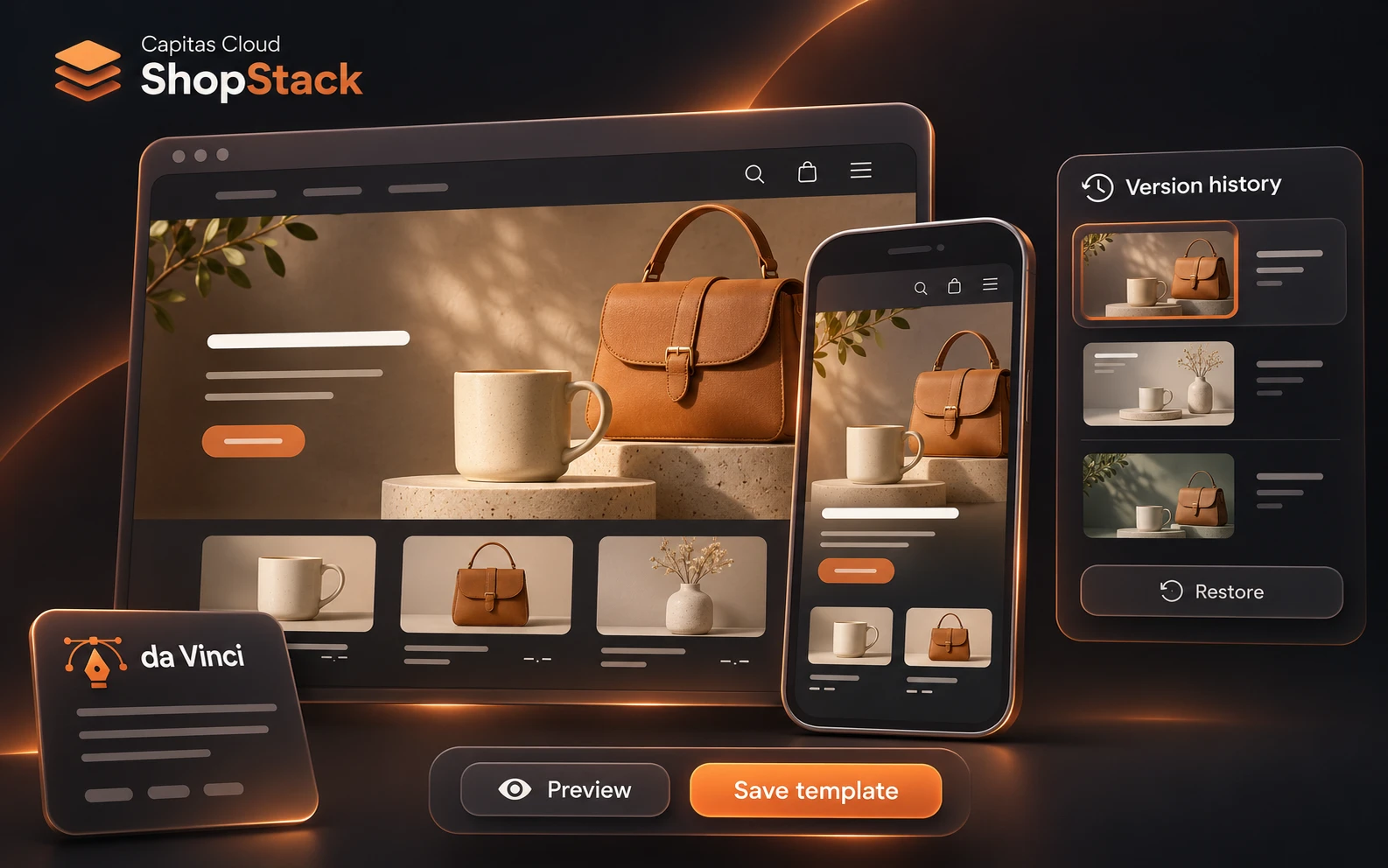
We create the first design of your storefront. After that, the da Vinci AI designer can draft new storefront templates for you.
- Designed around your brandYour logo, colors and layouts, built by our team from your assets.
- da Vinci drafts templatesWith the AI Team add-on, da Vinci designs one template at a time inside the limits of your site. You preview it, and nothing goes live until you save it.
- Versions you can restoreEvery saved template keeps its history, and restoring an older one never erases the newer ones.
- Made for phones and desktopsThe store is designed to feel natural on every screen, from a phone in a customer's hand to a desktop.
- Clean product addressesEach product and store view has its own readable address you can share and search engines can read.
- Grow with SEO and emailPair the store with the SEO and Newsletter add-ons to be found and to bring customers back.
One storefront that adapts to how you sell
Because the store is part of your Capitas Cloud account, it fits many kinds of business.
-
Product shops
Physical goods with categories, search, a flat shipping rate, tax at checkout and fulfilment from the Orders page.
-
Digital products and media
Sell digital items without a shipping step, and show promo rows with previews for your video and audio.
-
Donations and gifts
Offer a minimum or suggested amount and word the price as a gift or donation.
-
Products by request
Leave the price off and invite visitors to request it, when a quote makes more sense than a cart.
-
Service businesses that also sell
Sell parts or packages online while the Service Shop handles repair orders and the POS add-on covers the counter.
Better together
Every Capitas Cloud app and add-on shares the same customers, catalog and data. These work especially well with the store.
One storefront, one account, one team
ShopStack is not a separate program to keep in sync. It runs inside your Capitas Cloud account, next to everything else you use.
-
One catalog
The products you manage in your dashboard are the products shoppers see, so nothing is typed twice.
-
Works with every other add-on
Add-ons share the same customers, catalog and data. Combine them, and each one makes the others more useful.
-
Access that matches roles
With User Management, each person gets the access their job needs, such as Orders for the person who packs and nothing in the books.
-
In the panel and in your pocket
Everything lives in one Team Panel, and the same panel and its notifications go with you in the mobile app.
See ShopStack with your own products
Book a presentation and we will show you the storefront working for your own catalog, or ask for your free dynamic website design with the store built in.


