
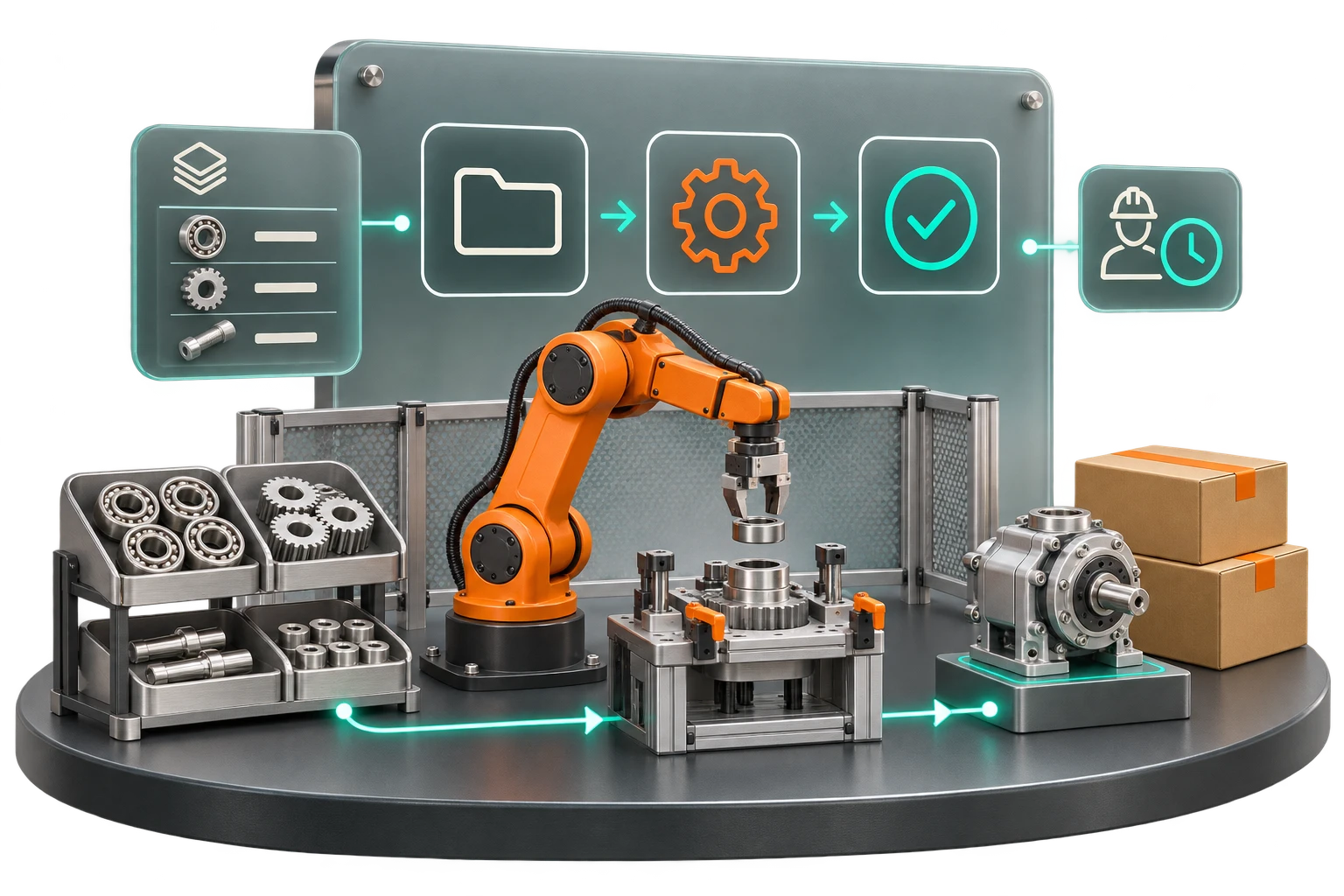
A website that sells what your shop makes
Manuvra is not a stand-alone program. It lives inside your Capitas Cloud website, so the page that shows off your products is the same place where customers reach you, book and stay in touch.
-
Designed to impress
A modern, fast website designed by our team around your products, so customers see the quality of your work before they call.
-
It captures leads
Estimate requests and contact messages land in your panel, ready to turn into a customer and an order.
-
Customers book online
Visitors pick a time from your appointment calendar, without a phone call.
-
Chat with your customers
Answer questions while they browse, and keep the conversation next to their record.
-
A dashboard for your customers
Signed-in customers get their own dashboard, so they can check in without calling the shop.
-
One connected system
The website, the bookings, the chat and the production floor share the same data, so nothing is typed twice.
Turn any stocked part into a made part
Describe how a product is made once, in a recipe, and make it again and again.
- From stocked part to made partAny part you keep in stock can become a part you make.
- Components and labor operationsA recipe lists the components that go into the product and the labor operations that put them together.
- Versioned recipesRecipes are versioned, so you can improve how you build a product and keep the history.
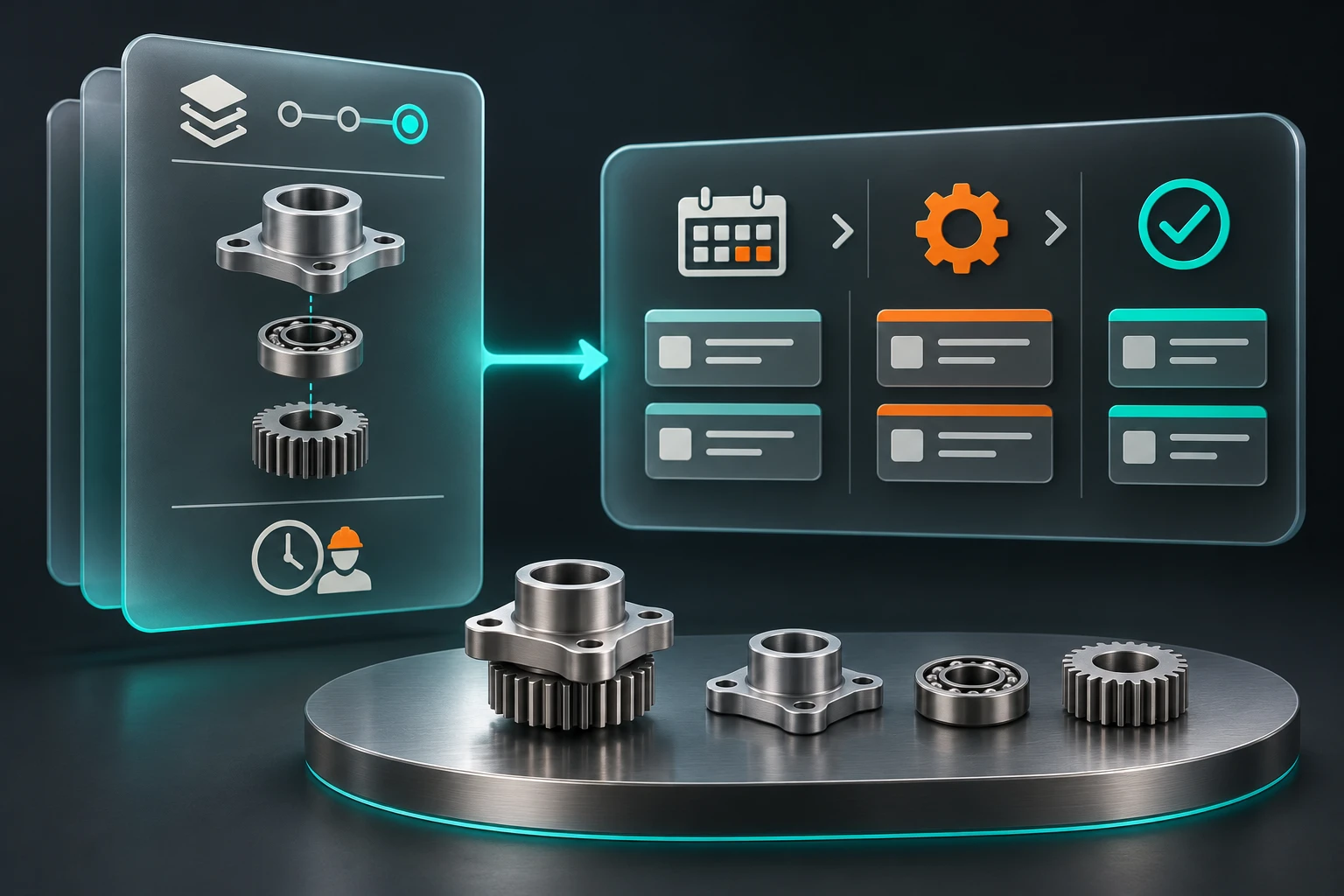
Run every order from planned to done
A production order puts a recipe to work, and follows it until the product is made.
-
Planned
Plan the production orders you intend to make.
-
In production
Run the order through your shop, following its recipe.
-
Done
Close the order when the product is made, and see what it took to make it.
Record the labor where the work is done
The labor operations of a recipe are done by your people on the shop floor, and recorded against the order.
-
Labor on every order
Record the labor spent on each production order.
-
Your team in the flow
Your people see the operations they have to do, as part of the order.
See what each product really costs
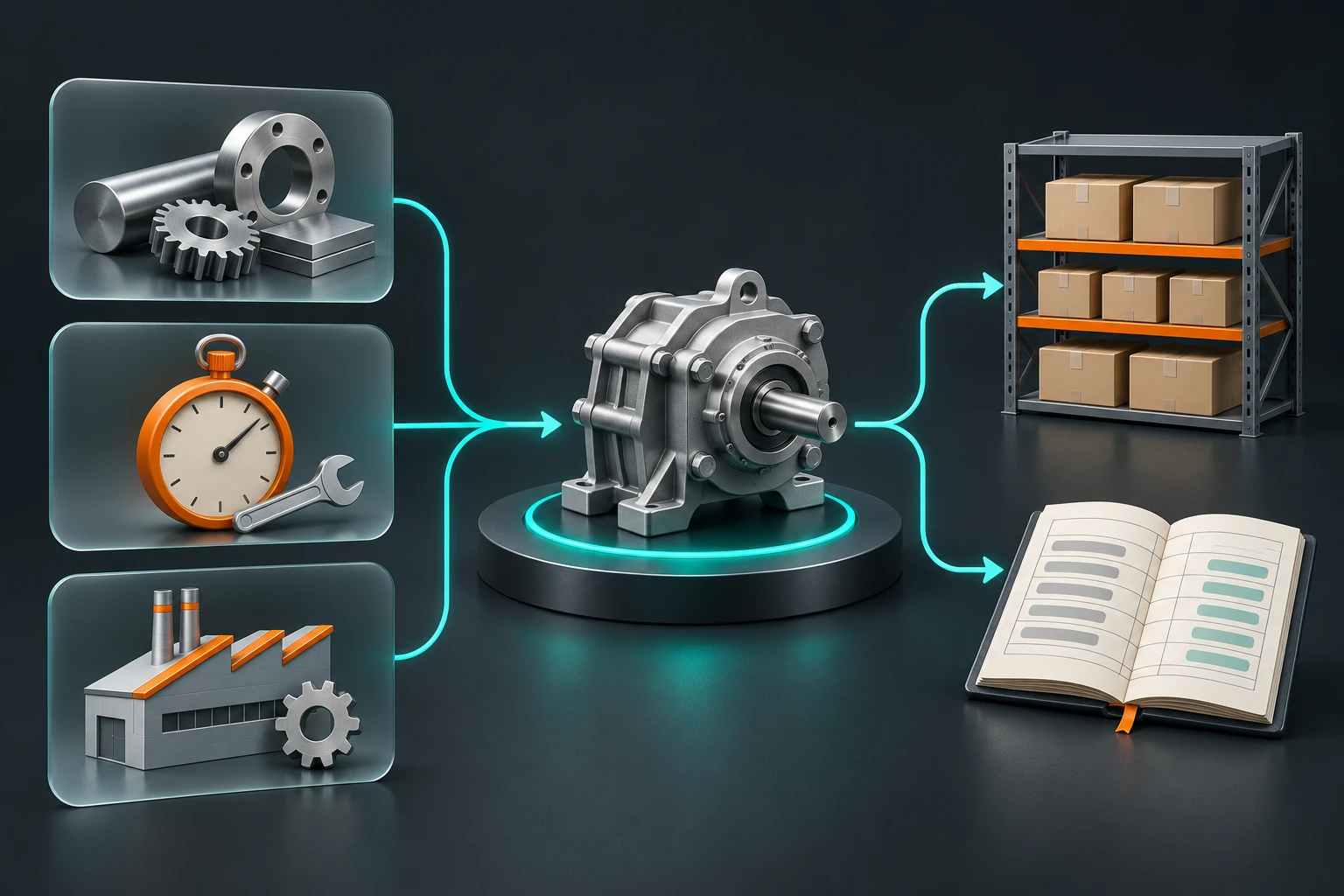
Materials, labor and overhead add up to the true cost of what you make, and that cost flows where it belongs.
- MaterialsThe components used in the order count toward its cost.
- LaborThe labor recorded on the order counts toward its cost.
- OverheadOverhead is added, so the cost reflects the whole business.
- Into inventory and accountingWith the Inventory and Double-Entry Accounting add-ons, the true cost flows into your stock value and your books.
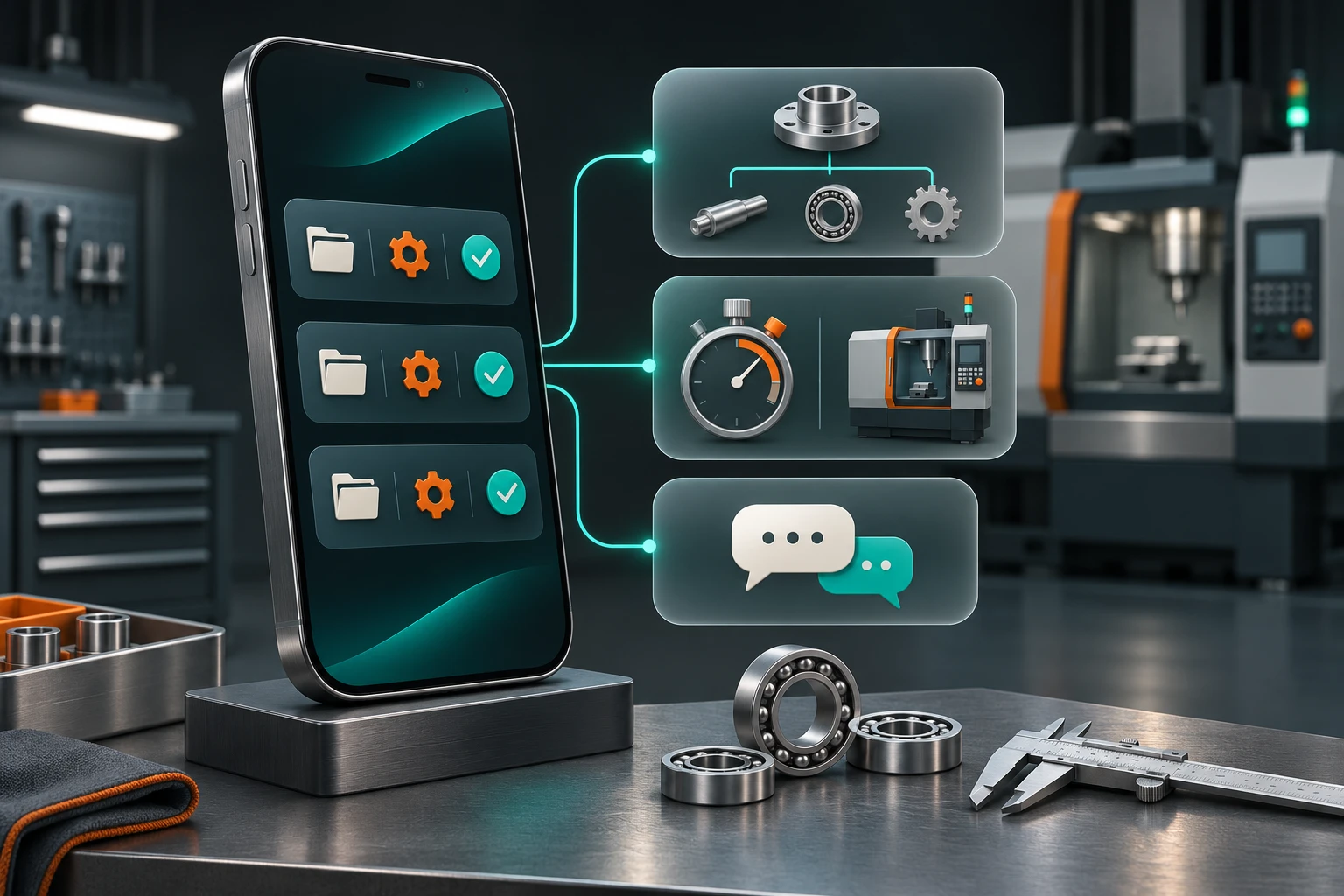
Your entire production, in your pocket
The panel works on a phone as well as on the desk computer. On the shop floor, at the supplier or on the road, you keep the whole operation in view.
- The whole panel on your phoneOpen your recipes, your production orders and your customers from any phone, tablet or computer, with the same login.
- See the floor from anywhereCheck which orders are planned, in production or done, without calling the shop.
- Decide on the goReview a new inquiry, answer a chat or confirm an order away from your desk.
- Your team tooYour staff work from the device they have in hand, on the floor or in the office.
Built for businesses that make their own products
Manuvra is for the businesses that turn parts and labor into products.
-
Small manufacturers
Keep recipes, orders and costs in one place, instead of in spreadsheets.
-
Workshops and fabricators
Record the components and the labor that go into every product you build.
-
Assemblers
Turn stocked parts into finished products with a recipe you can repeat.
-
Craft and specialty producers
Know what each batch really costs to make.
-
Any business that builds what it sells
If you make it, set up its recipe and run it through production.
Better together
Every Capitas Cloud app and add-on shares the same customers, catalog and data. Combine Manuvra with these to save more time and win more customers.
Part of one connected system
Every Capitas Cloud add-on is built to work with the others, so each one you add makes everything you already have work better.
-
In your CRM
Wherever a customer is involved, their details, leads and conversations land on the same contact records, so your CRM always has the full story.
-
In your accounting
Where money is involved, invoices and payments flow into invoicing and double-entry accounting, so your books stay in step with the work.
-
Works with every other add-on
Add-ons share the same customers, catalog and data. Combine them, and each one makes the others more useful.
-
In the panel and in your pocket
Everything lives in one Team Panel, and the same panel and its notifications go with you in the mobile app.
See Manuvra in action
Book a presentation and we will show you Manuvra working for your own production, or ask for your free dynamic website design with Manuvra built in, and run your production from your phone.


