A visual editor
Write with headings, subheadings, lists, quotes, links and tables, and upload images straight from the editor.
Write in a visual editor, organize posts into categories, pin the posts you want read first and show the newest on your landing page, all on your own domain and in the design of your own site.
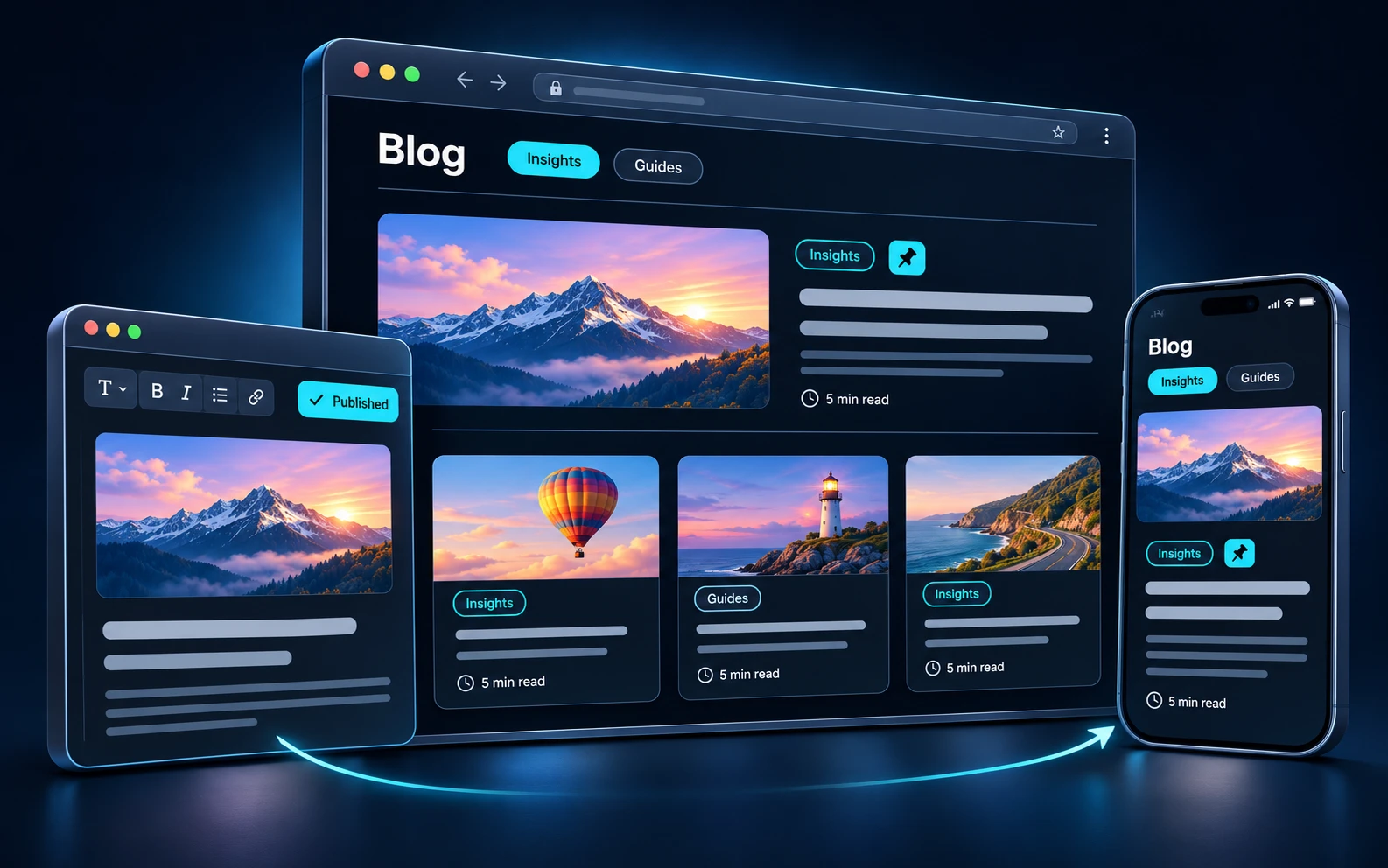
The Blog add-on adds a publishing system to your Capitas Cloud website. You write in your panel, in an editor made for writing, and publish to a blog page and a page for every post, in the same look as the rest of your site.
Posts live in folders you create, and the top-level folders become the categories visitors can filter the blog by. Each post has a title, an optional subtitle, a cover image, a short summary, tags and a body with headings, lists, quotes, links, images and tables. Embedded YouTube and Vimeo videos are supported.
Drafts save themselves as you write. When a post is ready you publish it, and you can unpublish it at any time. The reading time is worked out for you, and every view of a post is counted.
Pin your best posts so they stay on top as most read, and let the newest posts fill the rest of the blog section on your landing page. Your published posts also feed the AI Concierge, so its answers can draw on your own articles.
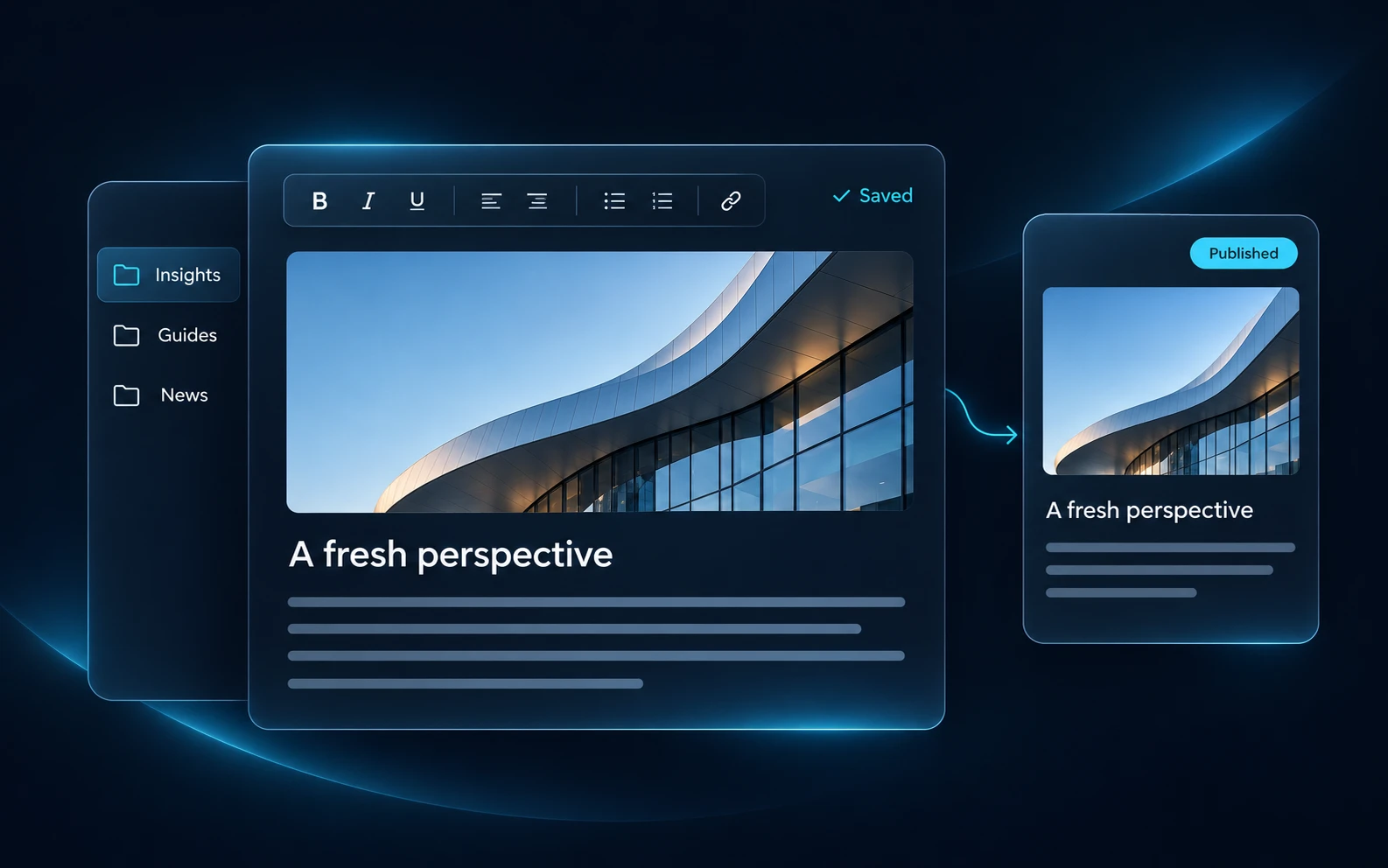
Write with headings, subheadings, lists, quotes, links and tables, and upload images straight from the editor.
Your work saves itself as you write, and a post stays a draft until you publish it.
Organize posts in folders. The top-level folders become the categories your visitors can filter by.
Give each post a cover image and a short summary for the cards. The post title and summary also become the page title and description.
Tag posts so related ideas are easy to find, and show them under each post.
Pin your best posts so they stay on top as most read, ahead of the newest ones.
Each post shows its reading time, and every view is counted, so you can see what people open.
Show your pinned and newest posts on your landing page, with the number of rows you choose.
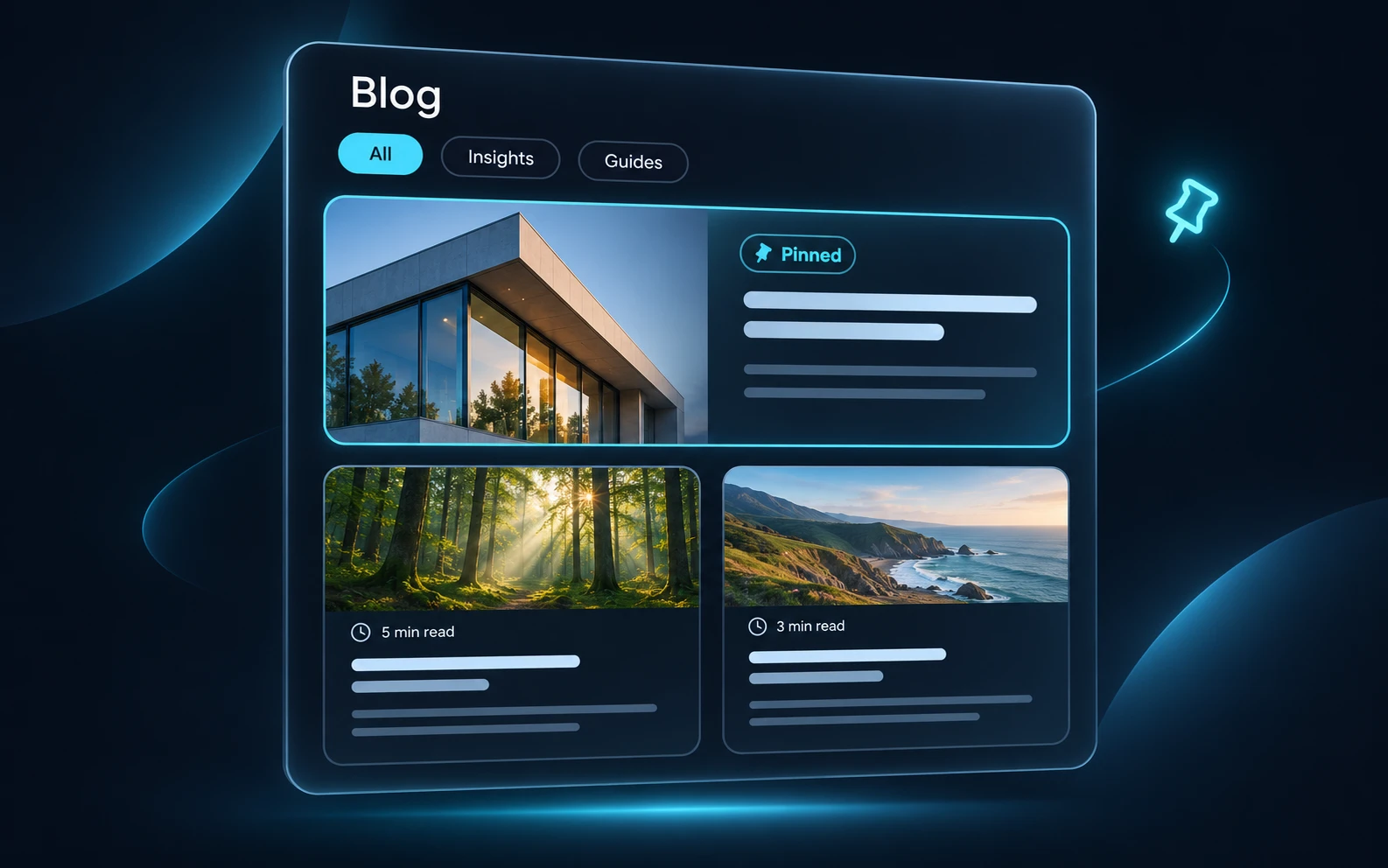
Posts stay online on your own domain, where visitors and search engines can find them long after you publish.
Helpful articles show visitors what you know before they ever call.
The blog uses the look of your own site and lives on your own address.
An editor built for writing, with autosave and a clear step from draft to published.
Views are counted and your best posts can be pinned on top.
Your published posts feed the AI Concierge, so its answers can draw on your articles.
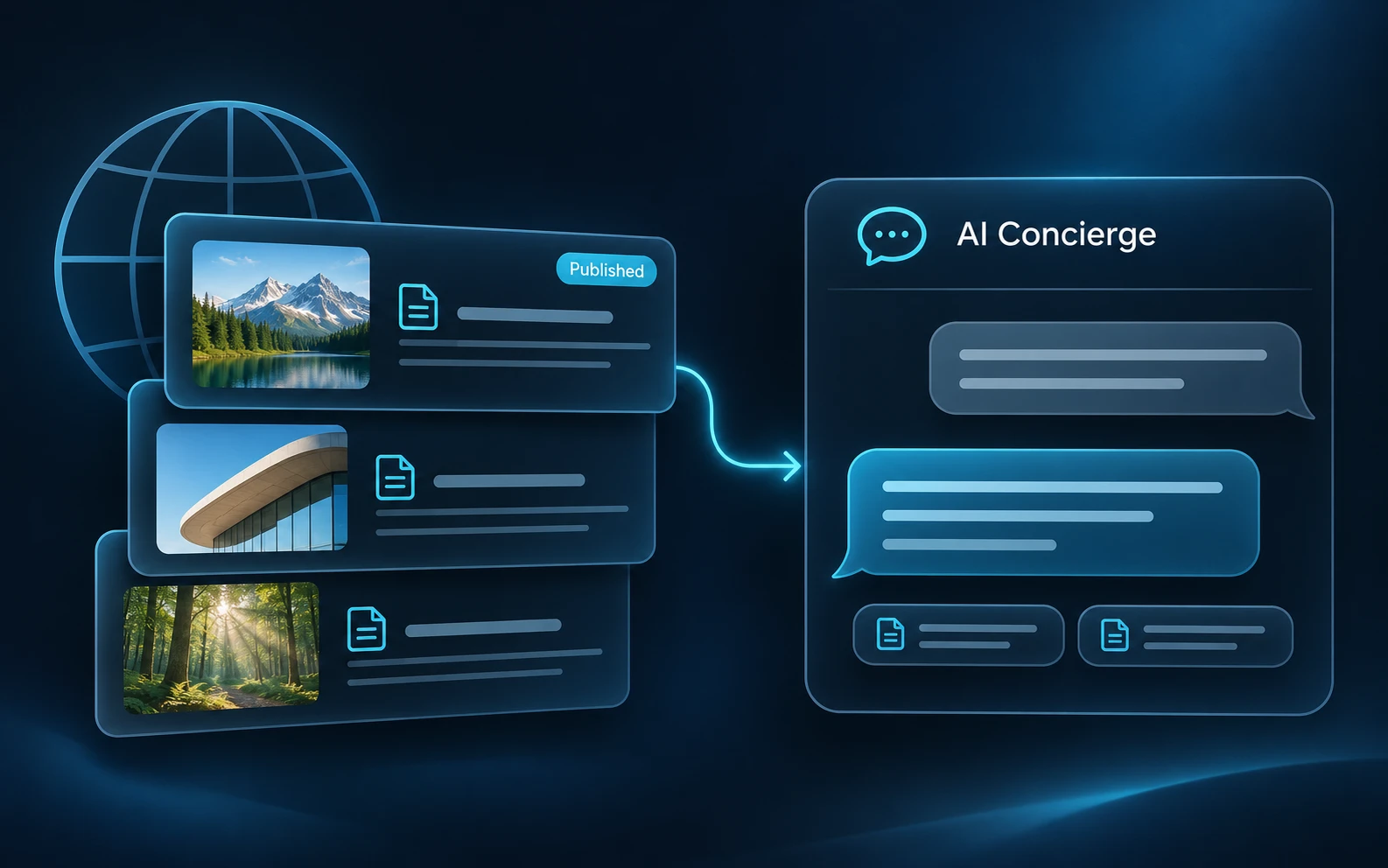
Every article lives on your own site, under your own name.
You do not lose work between ideas and published posts.
The posts you want read first stay on top of your blog section.
Results depend on your business, your content and how often you publish. These describe what the add-on is designed to do, not a guarantee.
Every Capitas Cloud add-on is built to work with the others, so each one you add makes everything you already have work better.
Wherever a customer is involved, their details, leads and conversations land on the same contact records, so your CRM always has the full story.
Where money is involved, invoices and payments flow into invoicing and double-entry accounting, so your books stay in step with the work.
Add-ons share the same customers, catalog and data. Combine them, and each one makes the others more useful.
Everything lives in one Team Panel, and the same panel and its notifications go with you in the mobile app.
Every Capitas Cloud app and add-on shares the same customers, catalog and data. Combine Blog with these to save more time and turn more visitors into revenue.
Book a presentation and we will show you Blog working with your own business, or ask for your free dynamic website design with a blog built in.
Live sites running on Capitas Cloud tools. Scroll inside a card to explore it, or use Open site to view it in a new tab.
 Baseline Motion Tennis
Open site (opens Baseline Motion Tennis in a new tab)
 Signal Vista Digital
Open site (opens Signal Vista Digital in a new tab)
 Cue Vista Productions
Open site (opens Cue Vista Productions in a new tab)
Tell us about your business and we will design a dynamic website with your Capitas Cloud tools, free until you are completely satisfied. You will see it running in our studio domain before you approve it and move it to your domain.
We are working on your free dynamic website design. We will send you an email when it is ready, so you can see it running before you approve it.