
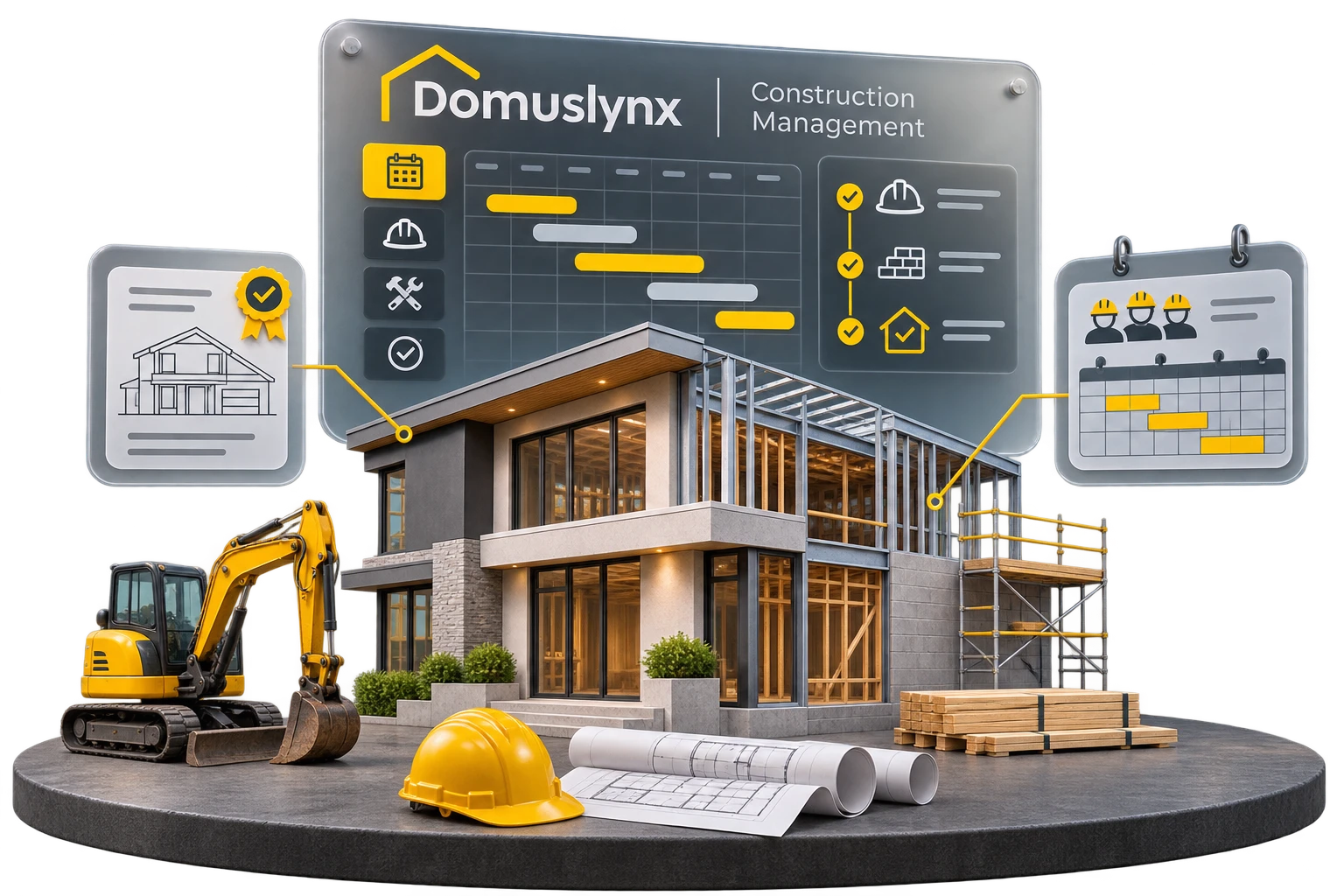
A website that brings in the jobs
Domuslynx is not a stand-alone program. It lives inside your Capitas Cloud website, so the page that shows your work is the same place where clients reach you, ask for an estimate and book.
-
Designed to impress
A modern, fast website designed by our team around your company, so clients trust you before you ever visit the site.
-
It captures estimate requests
Requests and contact messages land in your panel, ready to turn into a client and a bid.
-
Clients book online
Visitors pick a time from your appointment calendar, without a phone call.
-
Chat with your clients
Answer questions while they browse, and keep the conversation next to their record.
-
A dashboard for your clients
Signed-in clients get their own dashboard, so they can check in without calling the office.
-
One connected system
The website, the bookings, the chat and the jobs share the same data, so nothing is typed twice.
From the first call to a bid that wins the job
Keep your clients and your bids together, and turn the bids you win into projects.
- Client recordsEach client has a record with their contact details, so you always know who you are building for.
- BidsPrepare and track your bids in the same place as the client they are for.
- Estimate to projectA won bid becomes a project, so you do not start again from a blank page.
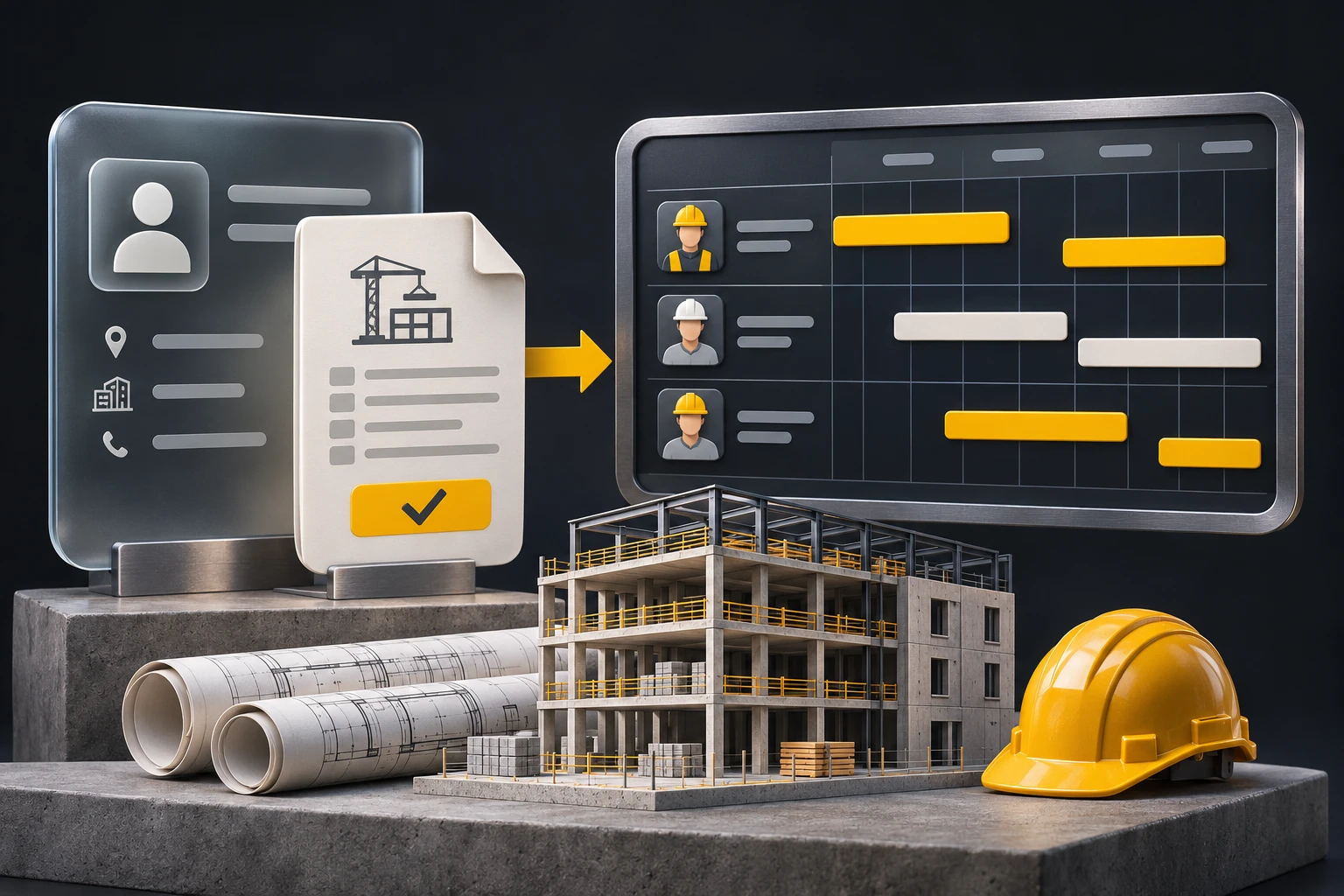
Run every project from estimate to final payment
Manage each project through its life, and put the right crews and subcontractors on it.
-
Projects
Follow each project from the estimate to the final payment.
-
Schedule crews
Schedule your crews on the jobs, so everyone knows where to be.
-
Subcontractors
Schedule your subcontractors alongside your own crews.
-
On time
See the whole schedule in one place, to keep every job on time.
Keep every job on budget, even when the plan changes
Track what a job is meant to cost, and record the changes that move it.
- BudgetsTrack the budget of each project, so you can see where the money goes.
- Change ordersRecord the change orders on a project, so every change to the job is written down.
- Signed by your clientWith the E-Signatures add-on, send contracts and change orders for signature.
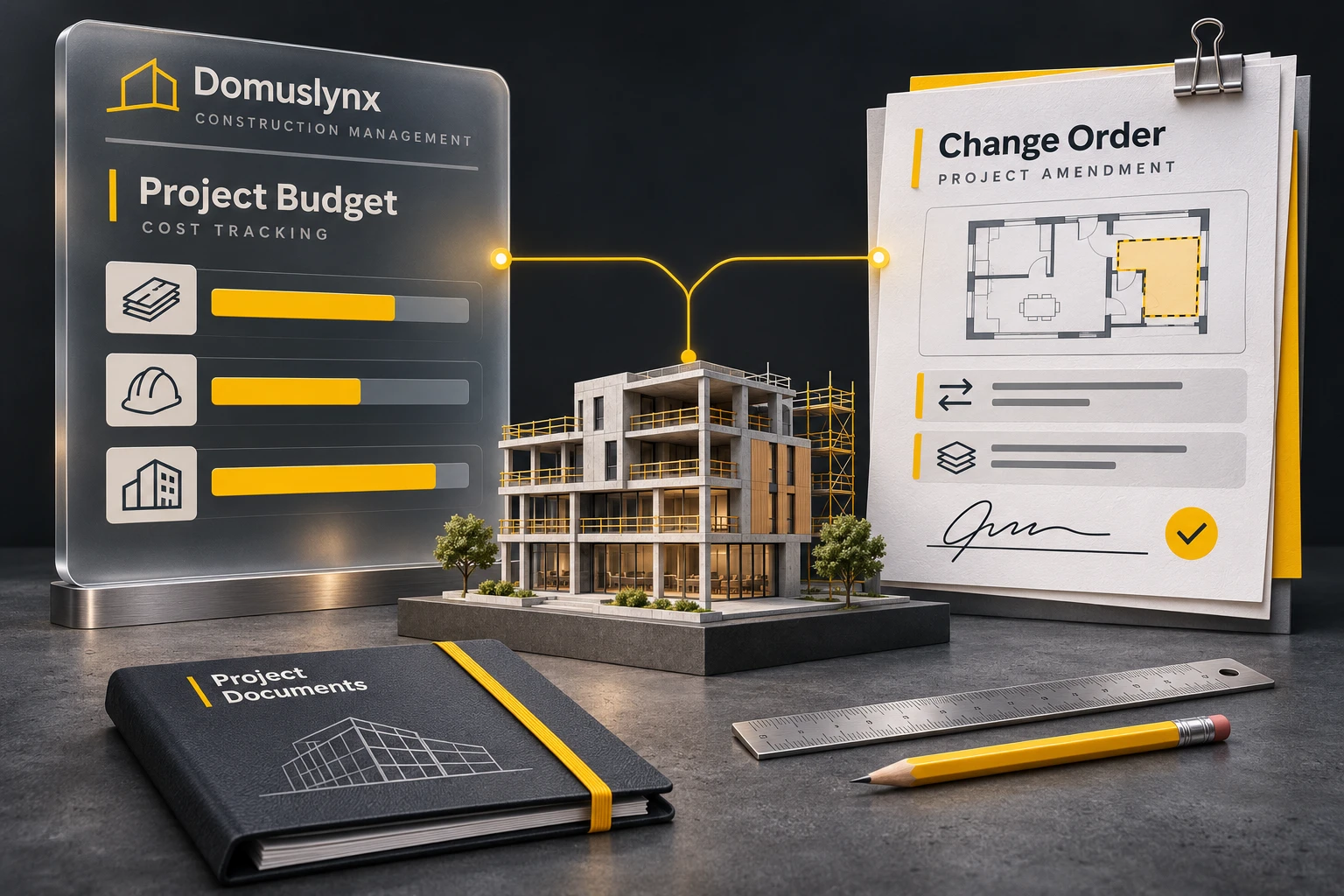
Every document, with the job it belongs to
Keep the paperwork of a project with the project, instead of in a pile of folders and inboxes.
-
Documents with the job
Keep the documents of each project in the same place as its bids, budget and change orders.
-
Easy to find
Find what you need from the project, without searching through email.
Your entire company, in your pocket
The panel works on a phone as well as on the desk computer. On the job site, at the supplier or on the road, you keep every project in view.
- The whole panel on your phoneOpen your projects, your bids and your clients from any phone, tablet or computer, with the same login.
- See every job from anywhereCheck the schedule, the budget and the latest change orders, without going back to the office.
- Decide on the goReview a new estimate request, answer a chat or approve a change away from your desk.
- Your team tooYour crews and staff work from the device they have in hand, on site or in the office.

Built for the way construction works
Domuslynx is for the companies that live on bids, projects and change orders.
-
General contractors
Run bids, projects, crews and subcontractors from one place.
-
Remodelers and renovators
Keep every change to a job written down, and every budget in view.
-
Builders
Follow each project from the estimate to the final payment.
-
Specialty and trade contractors
Win the bid, schedule your crews and keep the paperwork together.
-
Any construction company
If you bid and build, set up your projects the way you run them.
Better together
Every Capitas Cloud app and add-on shares the same clients, calendar and data. Combine Domuslynx with these to save more time and win more jobs.
Part of one connected system
Every Capitas Cloud add-on is built to work with the others, so each one you add makes everything you already have work better.
-
In your CRM
Wherever a customer is involved, their details, leads and conversations land on the same contact records, so your CRM always has the full story.
-
In your accounting
Where money is involved, invoices and payments flow into invoicing and double-entry accounting, so your books stay in step with the work.
-
Works with every other add-on
Add-ons share the same customers, catalog and data. Combine them, and each one makes the others more useful.
-
In the panel and in your pocket
Everything lives in one Team Panel, and the same panel and its notifications go with you in the mobile app.
See Domuslynx in action
Book a presentation and we will show you Domuslynx working for your own company, or ask for your free dynamic website design with Domuslynx built in, and run your company from your phone.


