A website that keeps your units full
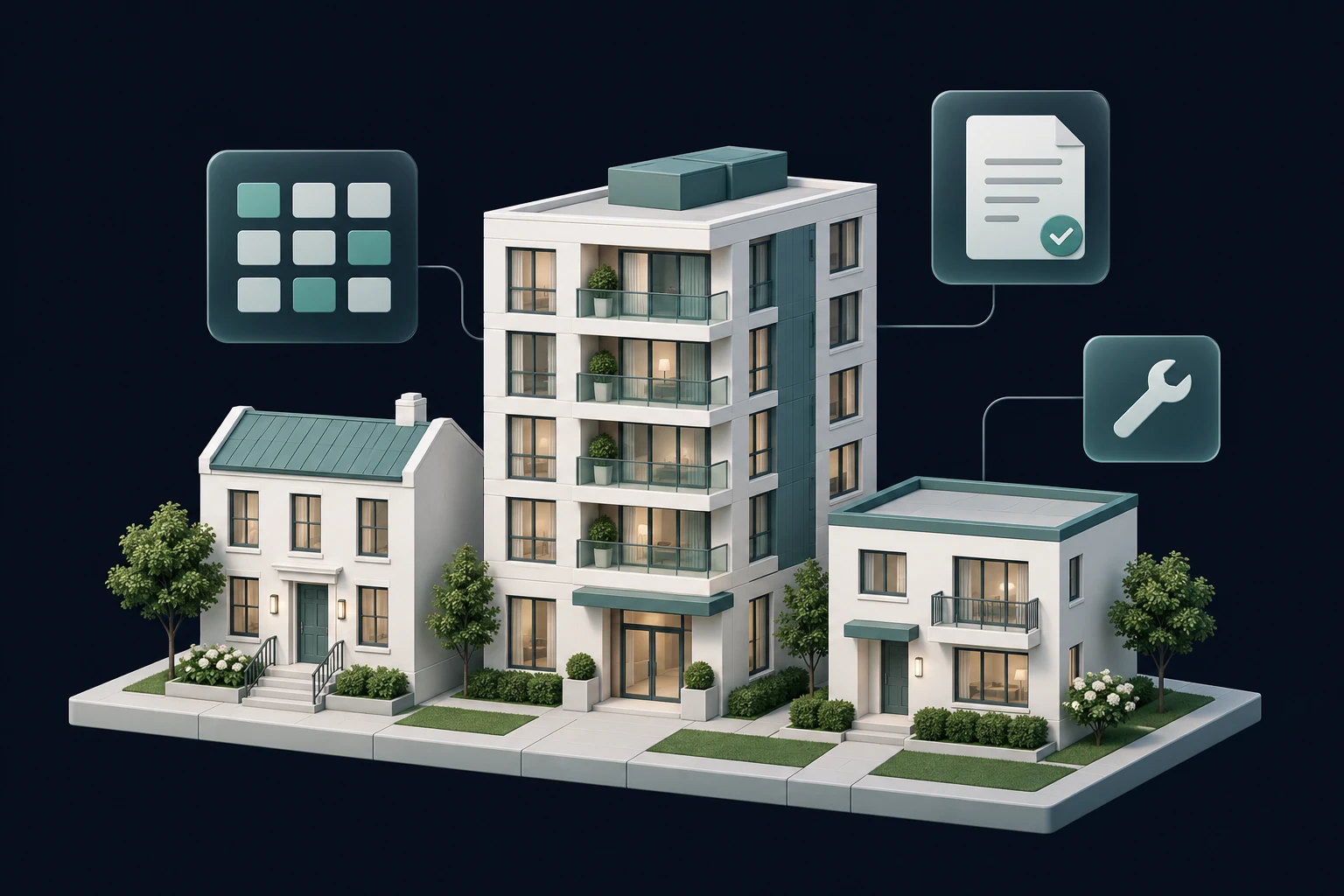
DoorGrid is not a stand-alone program. It lives inside your Capitas Cloud website, so the page that shows your properties is the same place where prospects reach you, book a viewing and stay in touch.
- Designed to impressA modern, fast website designed by our team around your properties, so prospects trust you before they call.
- It captures inquiriesContact messages and requests land in your panel, ready to follow up as leads.
- Viewings booked onlineVisitors pick a time from your appointment calendar, without a phone call.
- Chat with prospects and residentsAnswer questions while they browse, and keep the conversation next to their record.
- A dashboard for your residentsSigned-in residents and owners get their own dashboard, so they can check in without calling the office.
- One connected systemThe website, the bookings, the chat and your properties share the same data, so nothing is typed twice.
Your whole portfolio, in one place
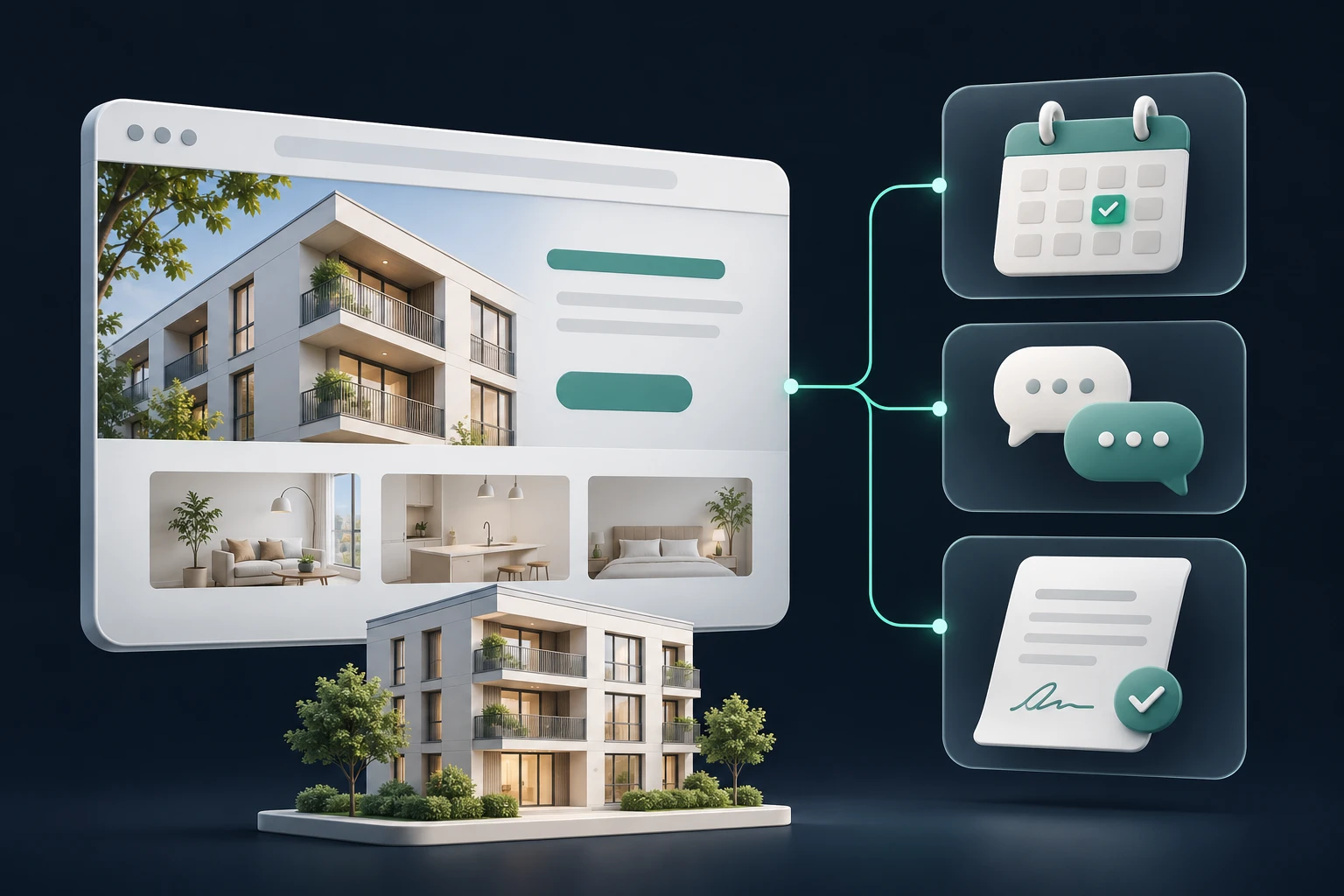
Keep every property, every unit and every tenant together, instead of across spreadsheets and folders.
-
Properties and units
Keep every property and the units inside it in one organized list.
-
Tenants
Hold each tenant's details together with the unit they rent.
-
Linked records
A unit, its tenant and its lease are connected, so you can move between them in a click.
Know what is leased, and what is paid
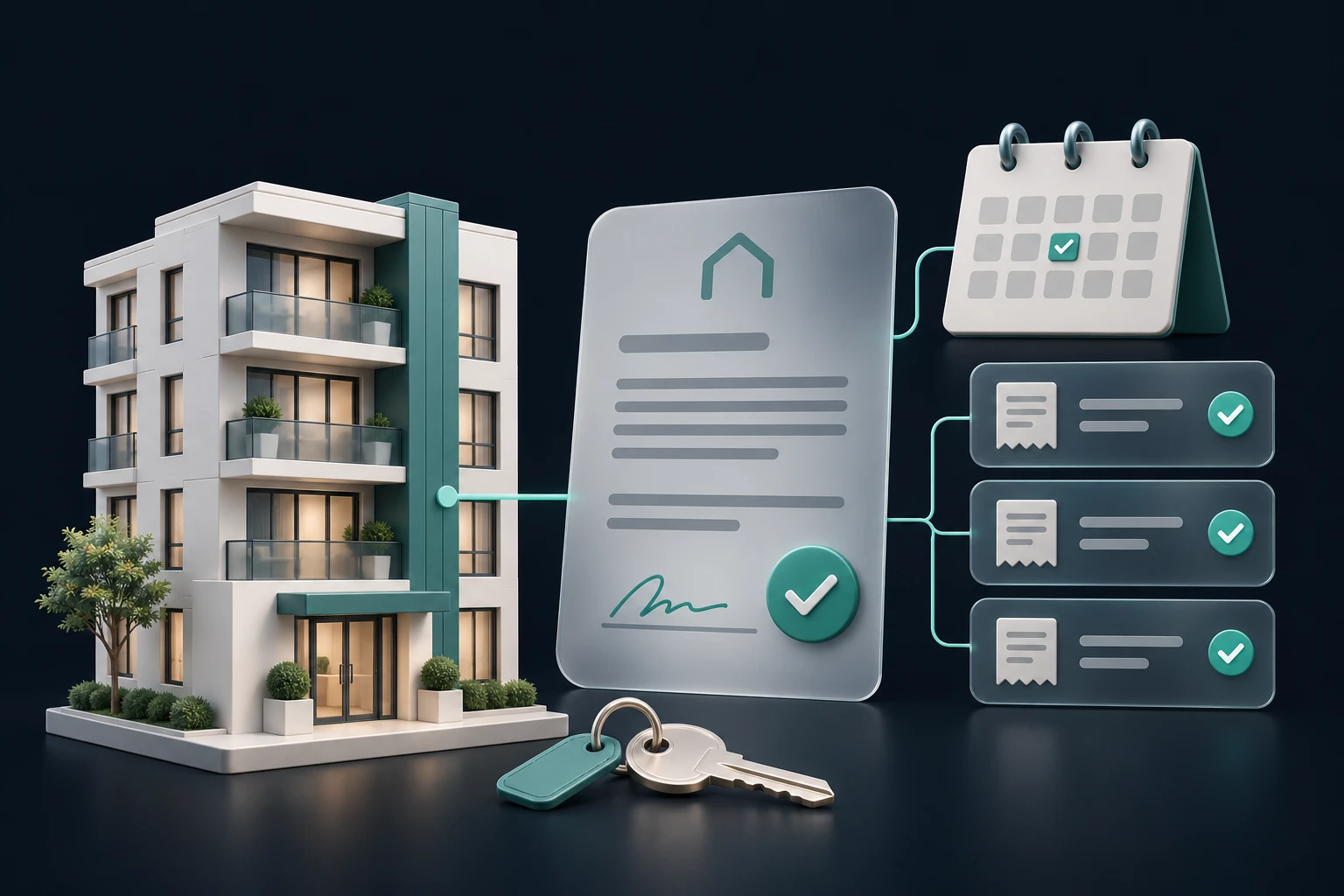
Track the terms of every lease and the rent that comes with it.
- LeasesTrack the terms and dates of the lease for each unit.
- Rent paymentsFollow what has been paid and what is still due.
- Leases for signatureWith the E-Signatures add-on, send lease agreements for signature.
- Into your booksWith Invoicing and Double-Entry Accounting, rent and charges flow into your accounts.
Handle every maintenance request, from report to done
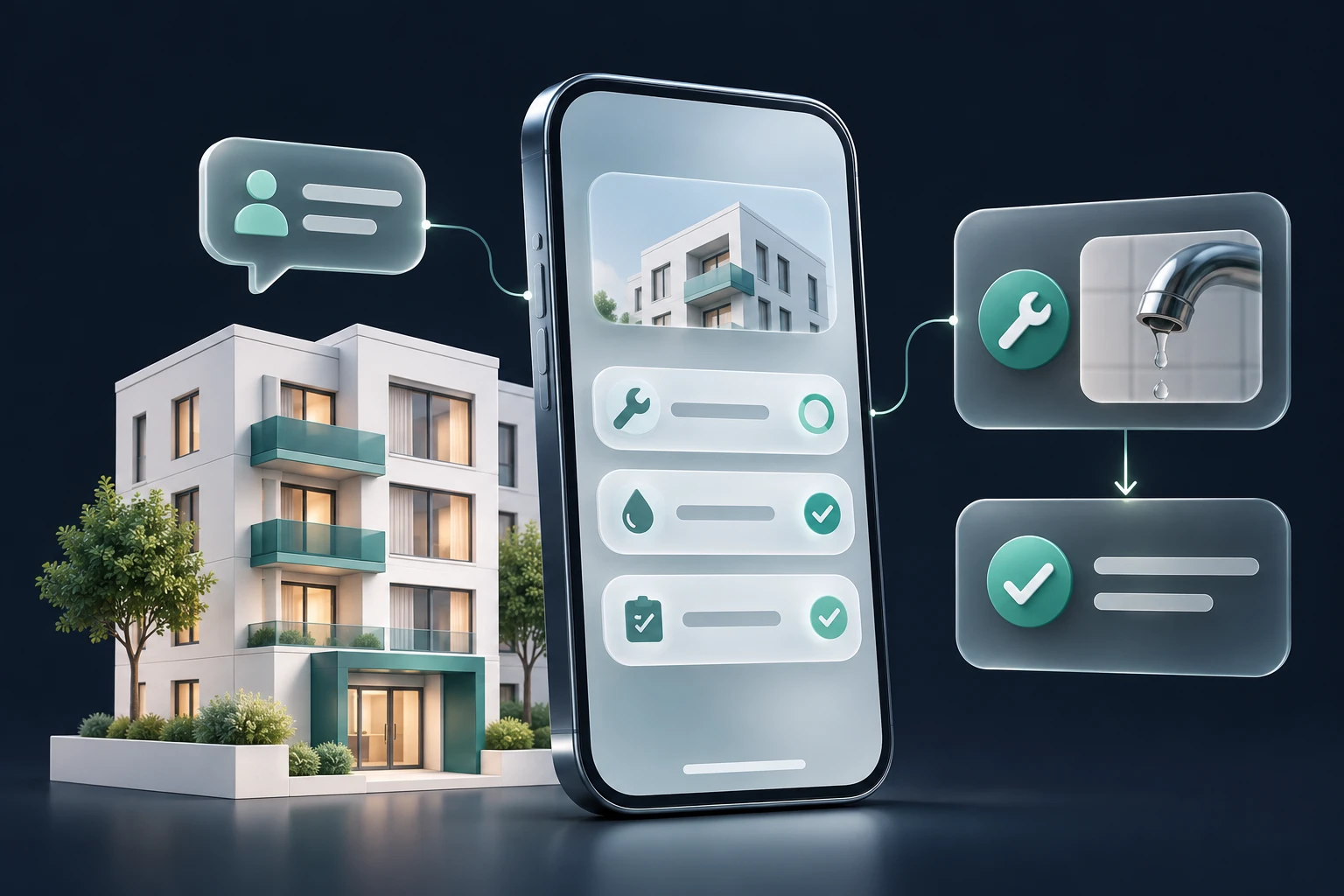
Residents tell you what needs fixing, and you follow each request until it is resolved.
- Requests in one placeReceive maintenance requests from residents and keep them together.
- Follow each requestSee which requests are open and which are finished.
- Photos with the requestWith the Estimate Requests add-on, residents can attach photos and a video of the problem.
Keep owners and residents in the loop
The people who own and the people who live in your properties each hear from you, without extra calls.
-
Both sides up to date
Keep owners and residents informed from the same panel.
-
Email and texts
Write to them from the contact record, and with the SMS add-on, text them too.
-
Everything on the record
Every message sits on the contact's timeline in your CRM.
Your entire portfolio, in your pocket
The panel works on a phone as well as on the desk computer. At a property, with a tenant or on the road, you keep everything in view.
-
The whole panel on your phone
Open your properties, tenants and requests from any phone, tablet or computer, with the same login.
-
See your day from anywhere
Check which viewings are booked and which requests are open, without going back to the office.
-
Decide on the go
Review a new inquiry, answer a chat or follow up on a request between visits.
-
Your team too
Your staff work from the device they have in hand, on site or in the office.
Built for the way rentals work
DoorGrid is for the people who manage properties, units and the people who live in them.
-
Independent landlords
Keep your units, tenants and rent in order without spreadsheets.
-
Property managers
Manage several properties and their residents from one panel.
-
Owners and investors
Keep owners informed about the properties they hold.
-
Property management teams
Give every team member the same view of units, leases and requests.
-
Any rental business
If you rent it out, set up your properties the way you run them.
Better together
Every Capitas Cloud app and add-on shares the same customers, calendar and data. Combine DoorGrid with these to save more time and keep more units rented.
Part of one connected system
Every Capitas Cloud add-on is built to work with the others, so each one you add makes everything you already have work better.
-
In your CRM
Wherever a customer is involved, their details, leads and conversations land on the same contact records, so your CRM always has the full story.
-
In your accounting
Where money is involved, invoices and payments flow into invoicing and double-entry accounting, so your books stay in step with the work.
-
Works with every other add-on
Add-ons share the same customers, catalog and data. Combine them, and each one makes the others more useful.
-
In the panel and in your pocket
Everything lives in one Team Panel, and the same panel and its notifications go with you in the mobile app.
See DoorGrid in action
Book a presentation and we will show you DoorGrid working for your own portfolio, or ask for your free dynamic website design with DoorGrid built in, and run your properties from your phone.


